Liminal Archive
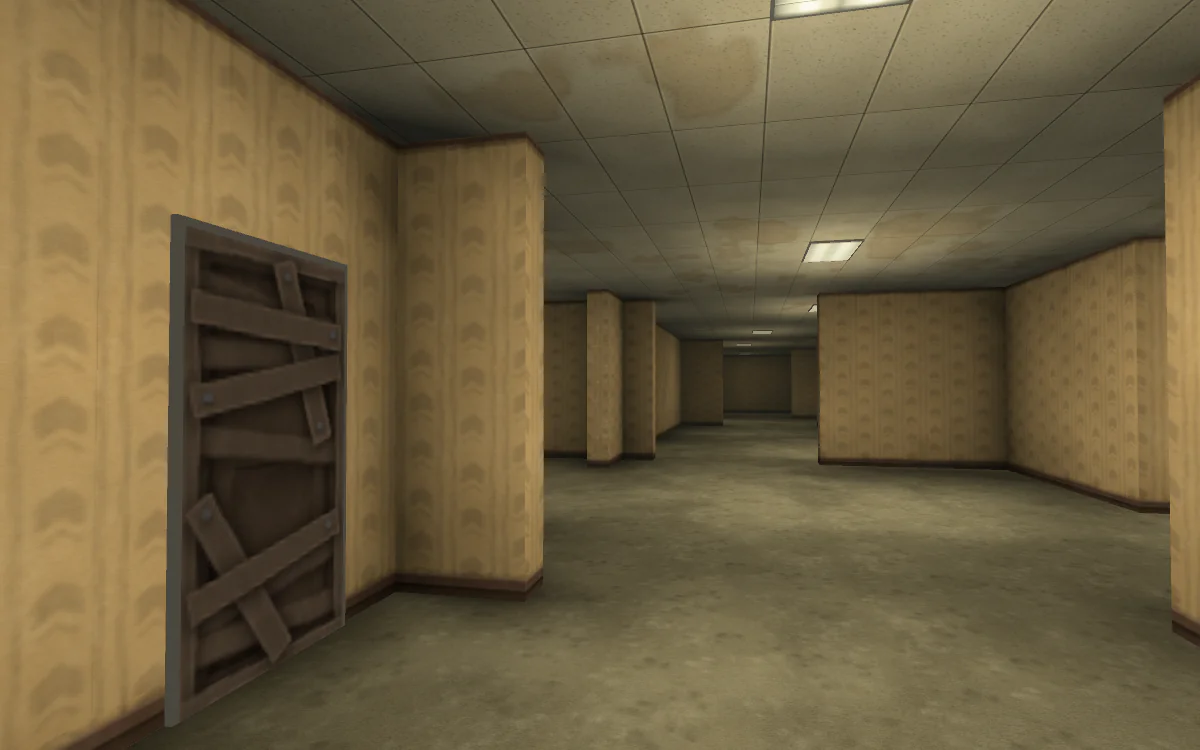
The Lobby
Yellow wallpaper & tired fluorescents
Every recording begins here. The same wallpaper wraps around corner after corner. Leave a strip of tape on the carpet before you turn.
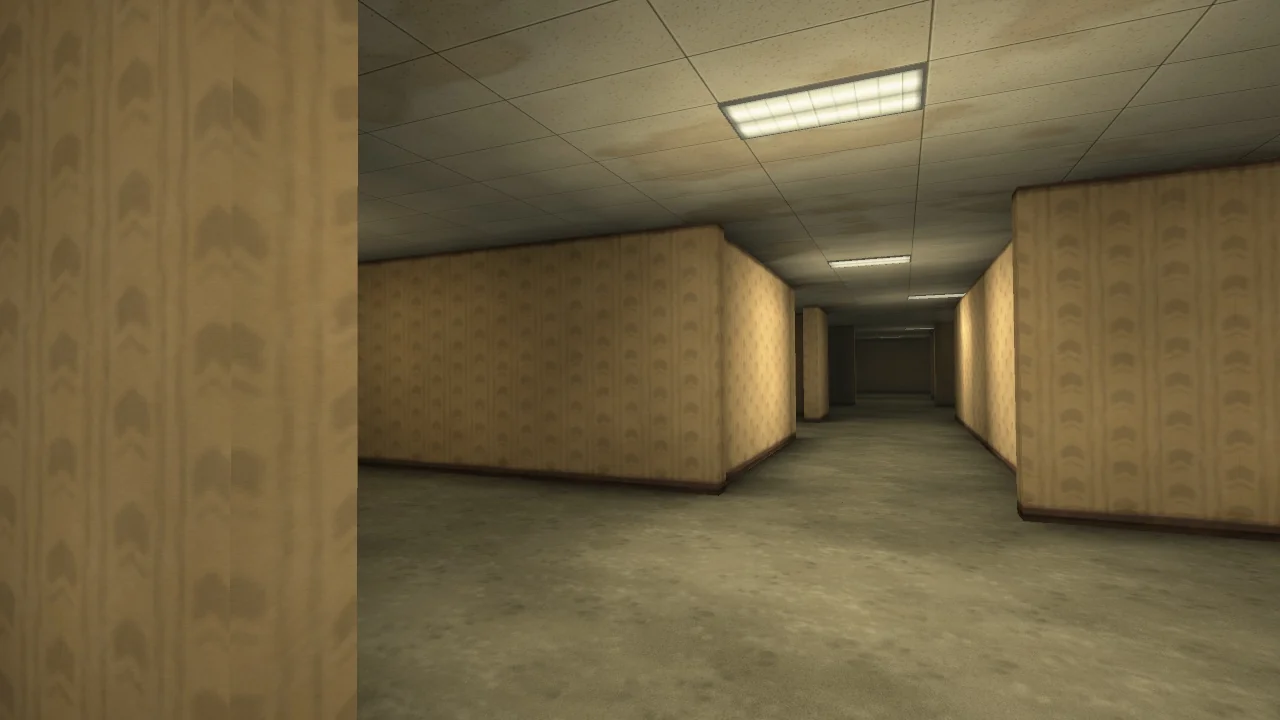
Found footage horror
Explore an endless maze of fluorescent rooms. Stop walking.
Listen for the footsteps that keep going.
Field photographs
Carpet gives way to concrete, then tile. Open a photograph for field notes from each district.
Yellow wallpaper & tired fluorescents
Every recording begins here. The same wallpaper wraps around corner after corner. Leave a strip of tape on the carpet before you turn.
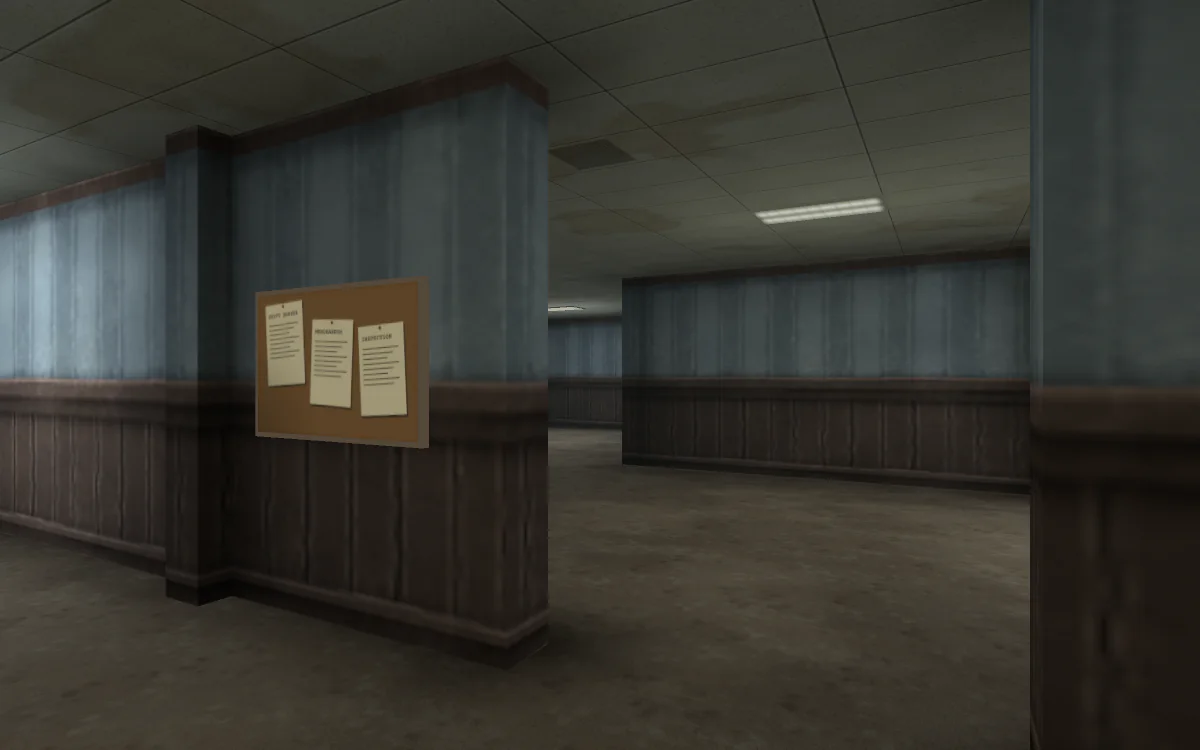
Blue partitions & faded red carpet
Blue striped walls take over where the yellow paper ends. A glimpse of red carpet through a doorway can tell you where you are before the compass does.
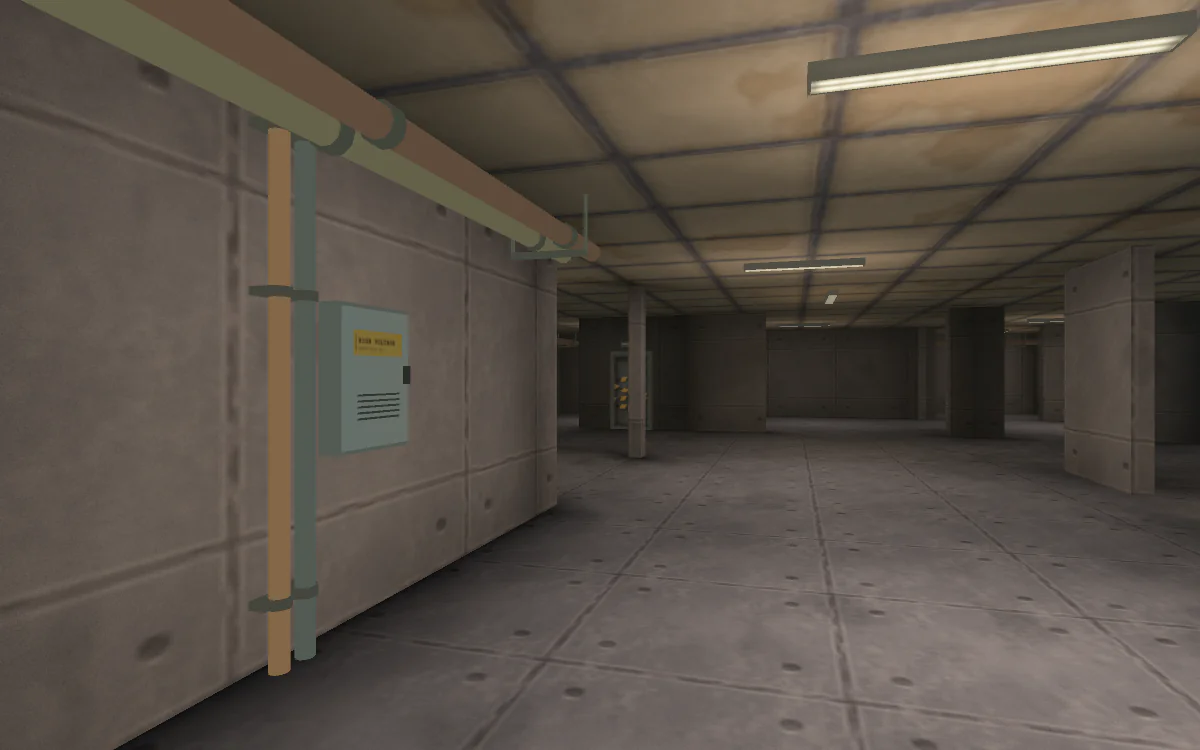
Service pipes & bare concrete
The carpet gives way to concrete. Exposed pipes run along the service passages, and each footfall comes back sharper. Stop walking and listen again.
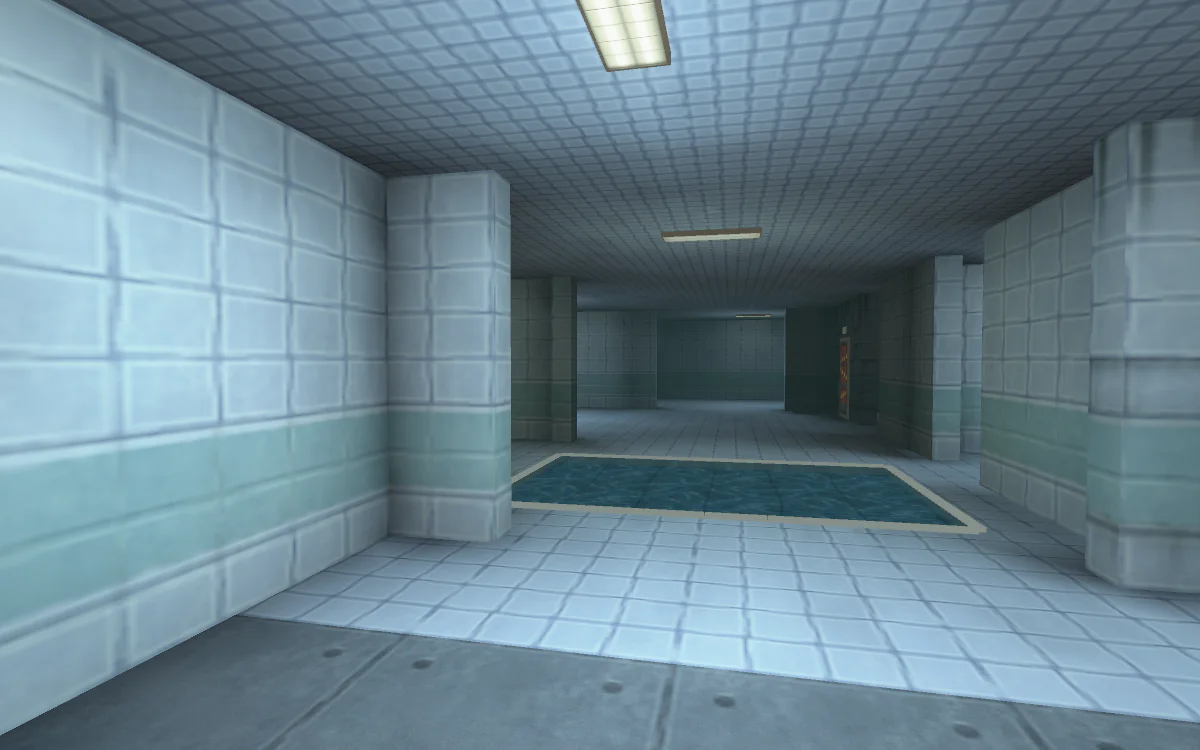
Pale tiles & shallow basins
Small tiles climb from floor to ceiling. In some rooms, fluorescent light catches the ripples in a shallow basin. Take a compass bearing before crossing the tile.
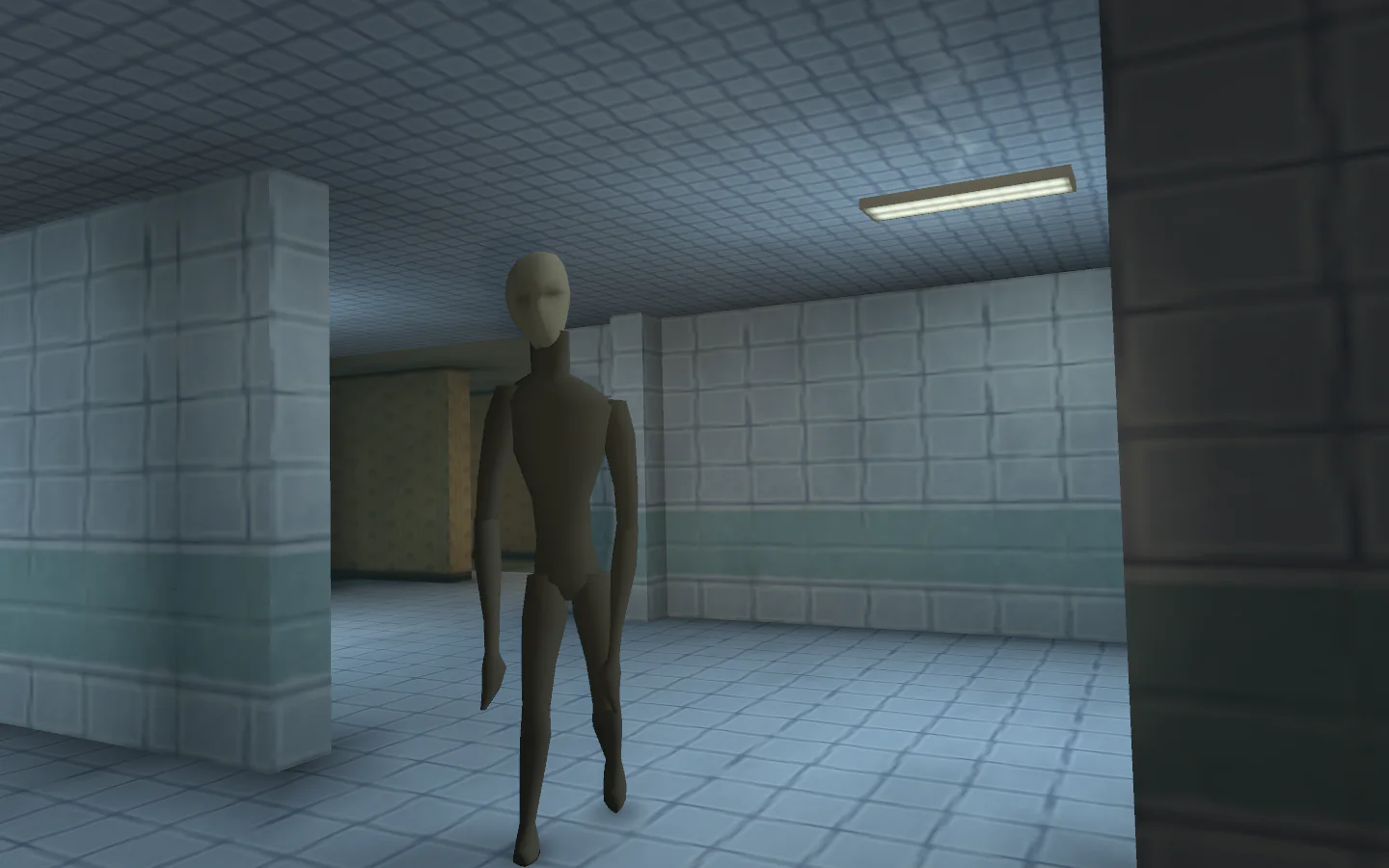 Replay
encounter
Survival notes
Stand still. If the footsteps continue, the Listener is close. Turn your flashlight on it to make it recoil, or break its line of sight around a corner.
Drop numbered tape at junctions. Rooms stay put within a recording, so your marks can lead you back.
A full stamina bar buys about ten seconds at a run. Keep some in reserve for the sound behind you.
Operator manual
Play free in a WebGL 2 browser on desktop or mobile. Headphones help you hear approaching footsteps.
Move with WASD, look with the mouse, and hold Shift to sprint. Press F for the flashlight, E to leave a tape marker, and Esc to pause.
Press a button to connect. Use the left stick to move and the right stick to look. Hold LB / L1 to sprint. Y / Triangle toggles the flashlight, X / Square drops tape, and Menu / Options pauses.
Drag on the left to walk and on the right to look. Hold Run to sprint. Tap Light or Mark to use your equipment, or tap the pause icon to open the menu.
Open Settings from the title screen or pause menu. Adjust the ambience and effects mix, brightness, field of view, bloom, film grain, and camera motion. Your choices are saved in this browser.
Liminal Archive