 Couch Potato
Everything you want to watch. One place.
Couch Potato finds movies and series across every streaming service, shows you exactly where to watch them, and helps you decide what's on tonight.
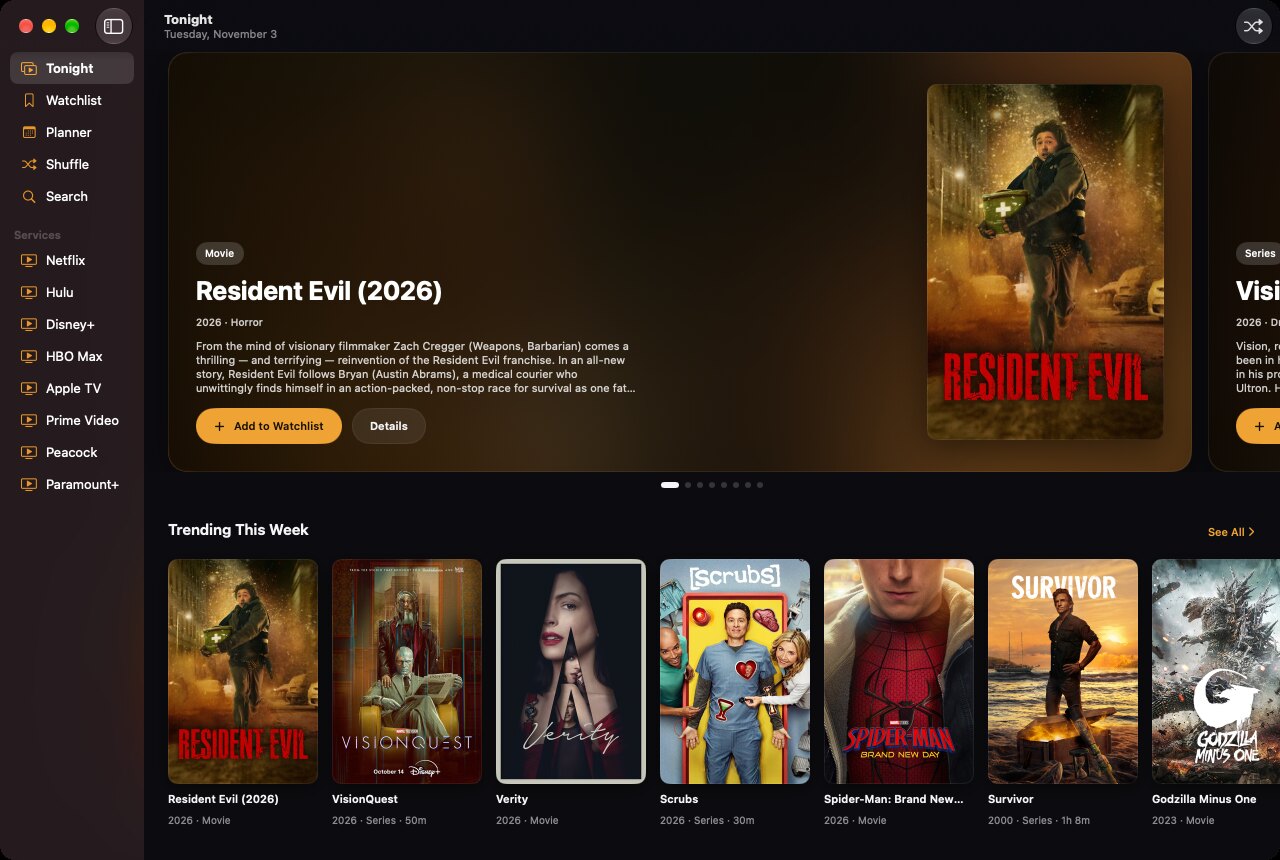
Every service you pay for. One watchlist for all of them.
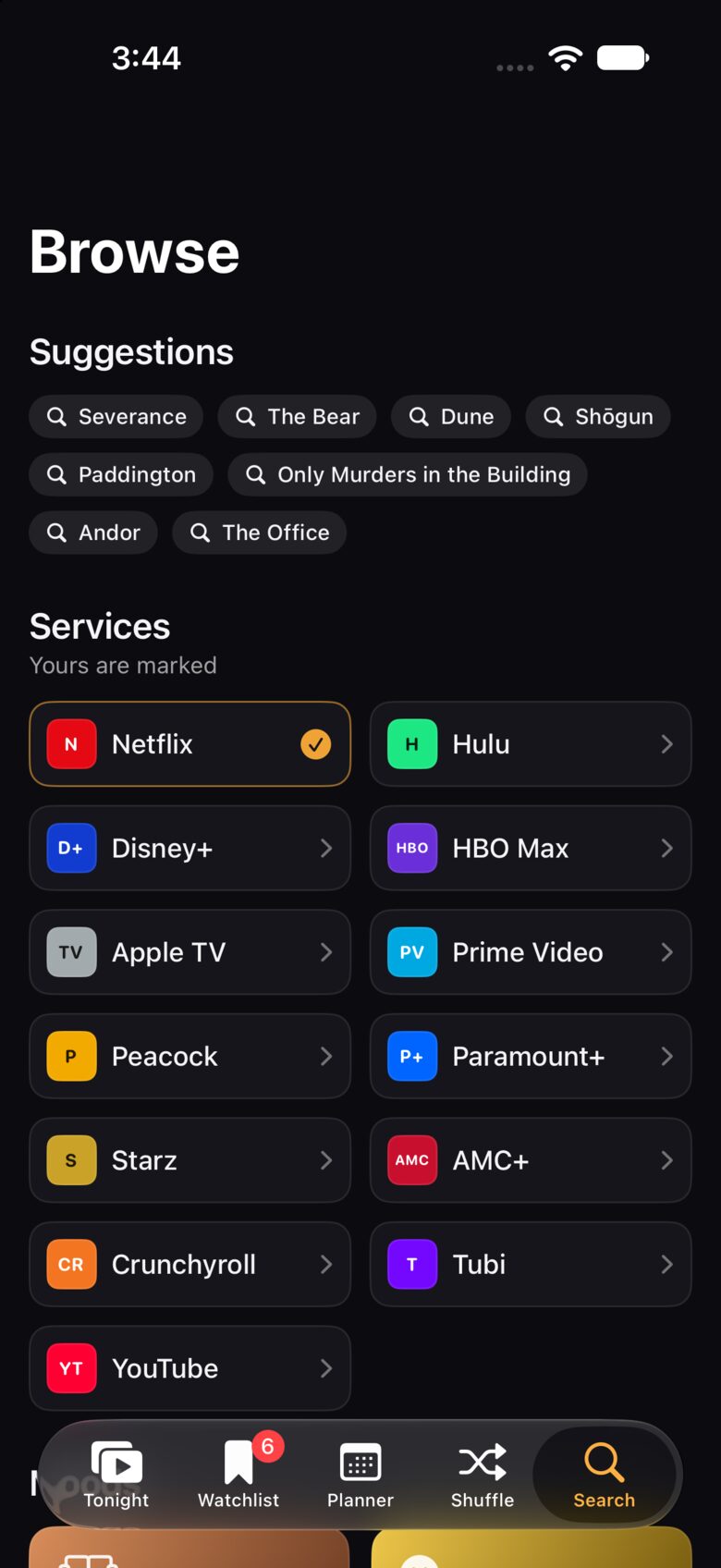
Supported services: Netflix, Hulu, Disney+, HBO Max, Apple TV, Prime Video, Peacock, Paramount+, Starz, AMC+, Crunchyroll, Tubi and YouTube.
Open it. Know what's on.
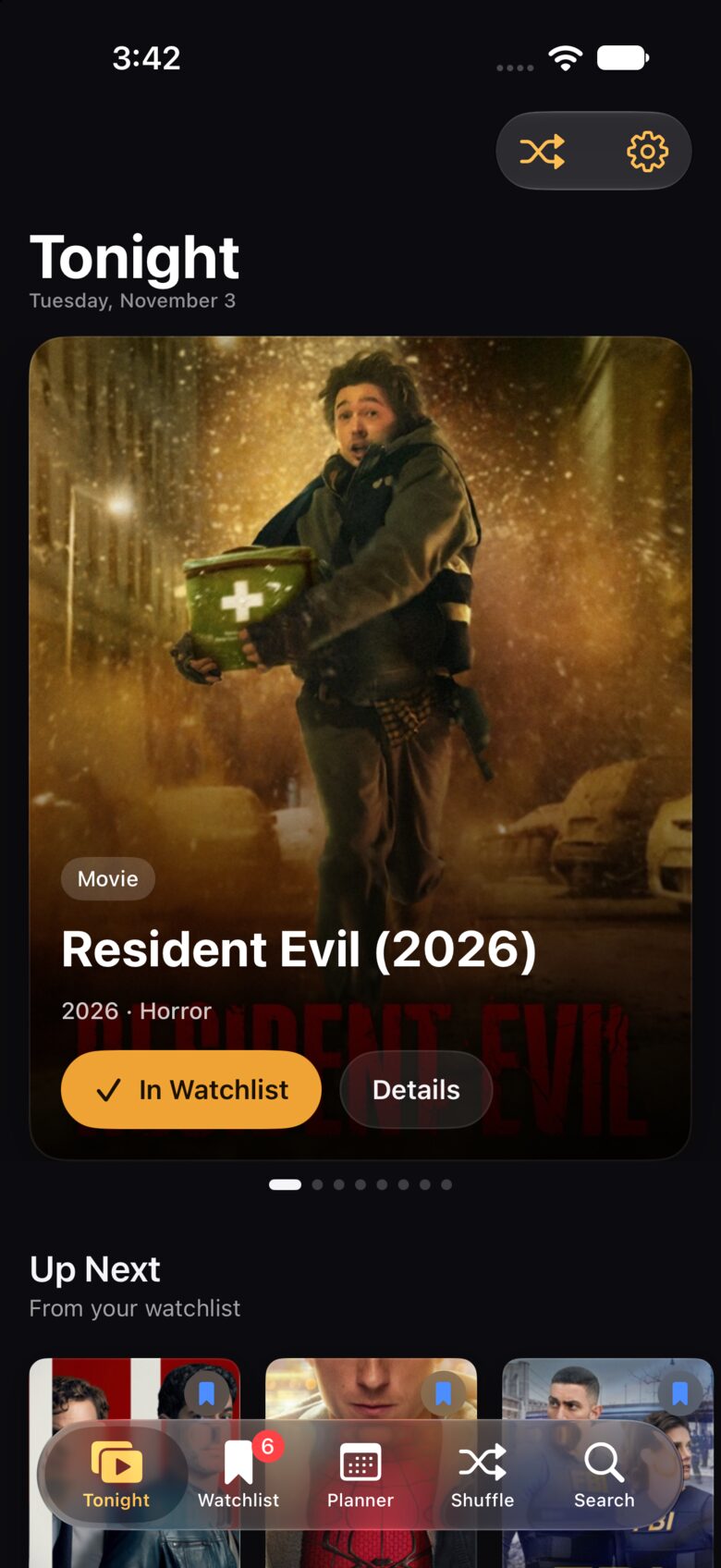
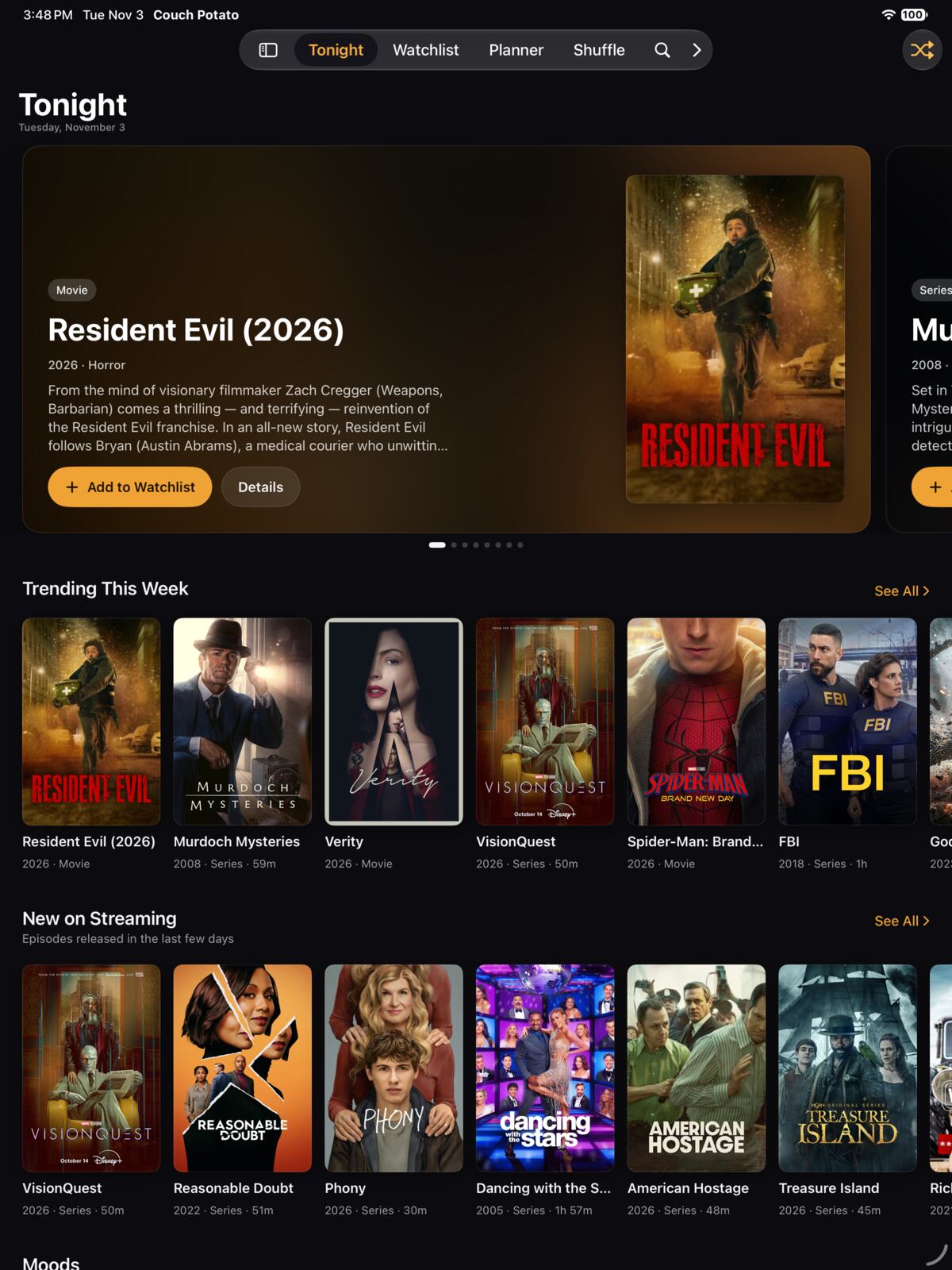
A home screen built around tonight: big featured artwork, what's trending this week, new episodes on your services, and the next thing from your watchlist, all a tap away.
- Up Next picks up where your watchlist left off.
- New on Streaming shows episodes that just dropped.
- Popular on your services, row by row.
The whole catalog. Filtered your way.
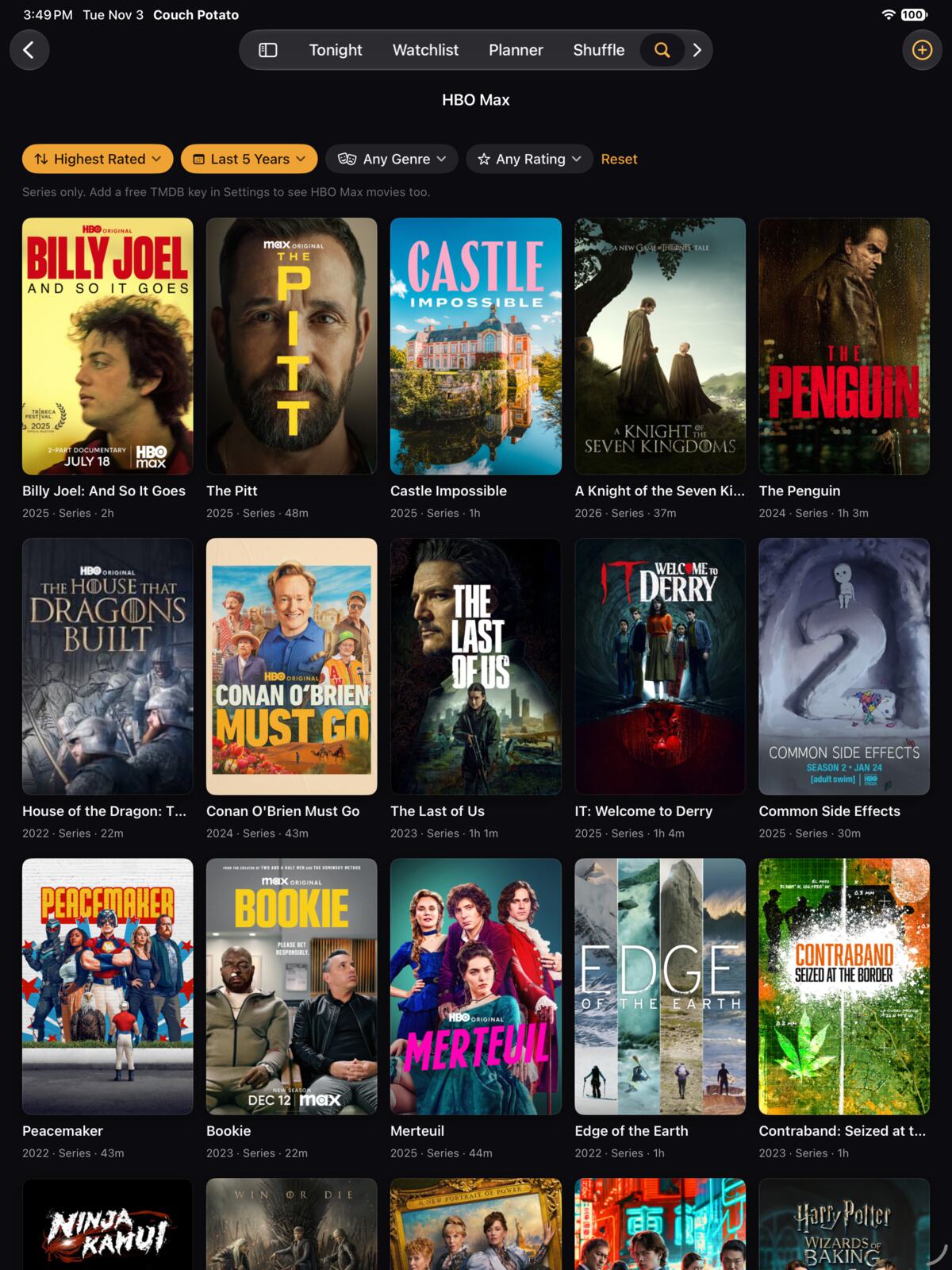
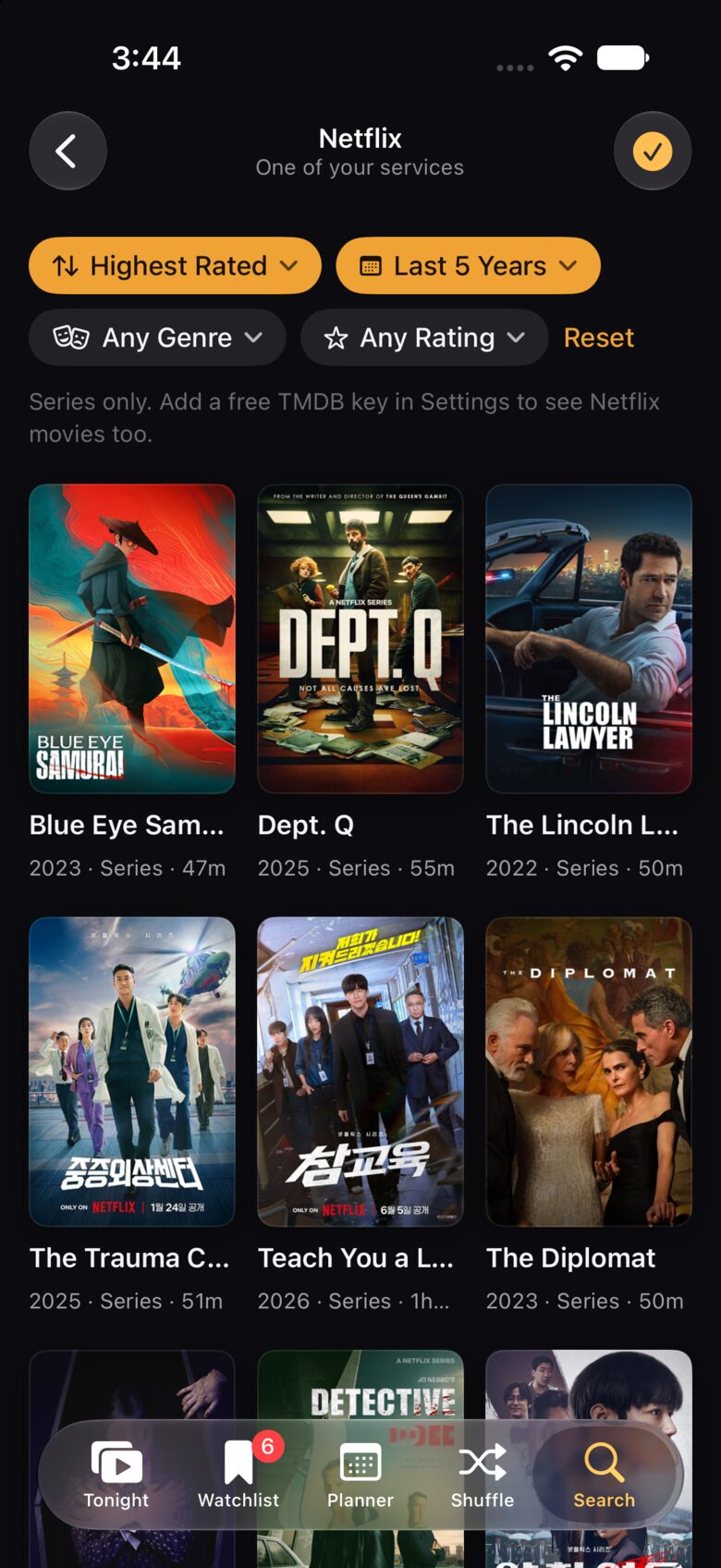
Tap Netflix and get Netflix: hundreds of series, loading as you scroll. Narrow it down by release year, genre or rating, and sort by what's newest or best rated.
- Works without an account. Add a free TMDB key for movies and every region.
- Moods for when you know the feeling, not the title.
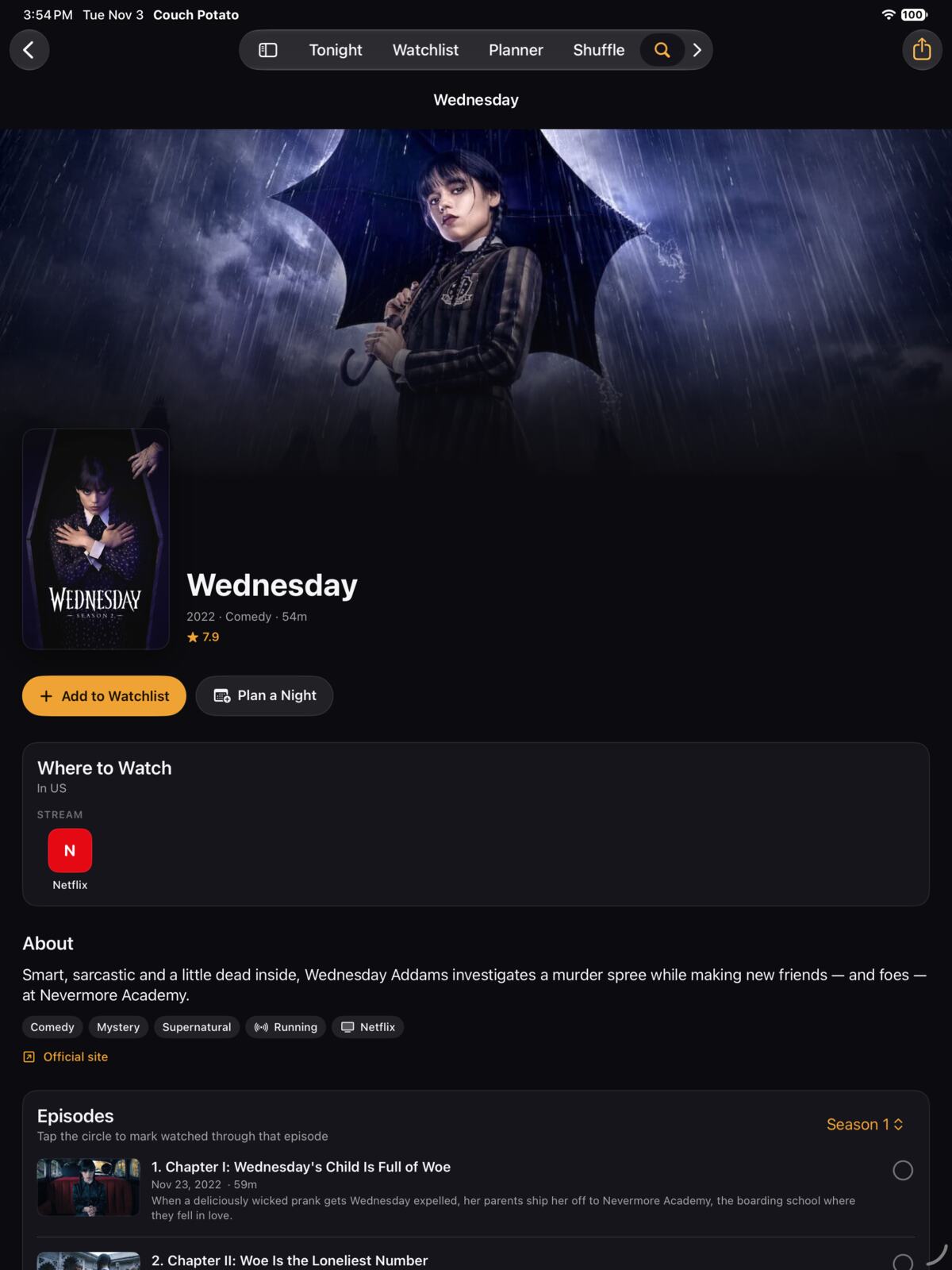
Everything about it. Including where to watch.
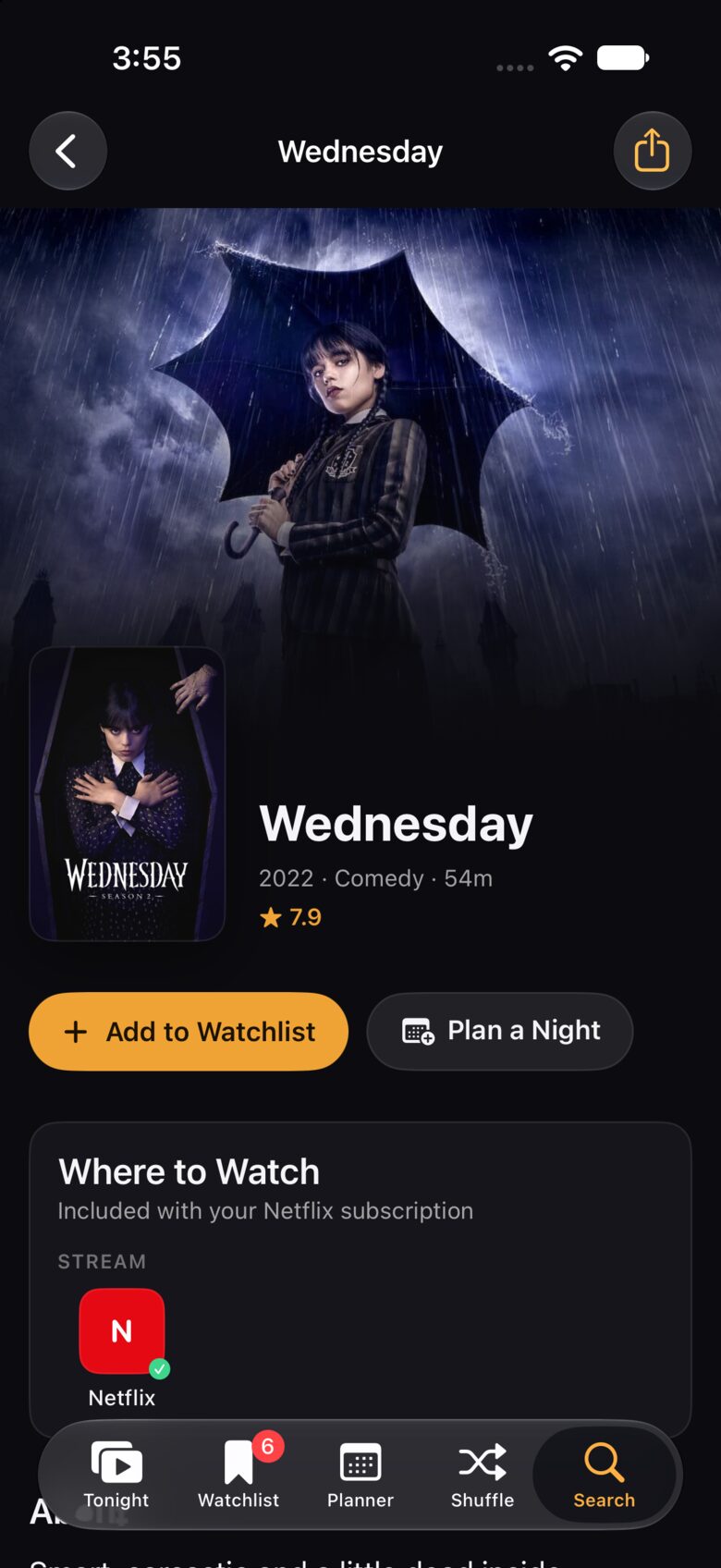
Backdrops, ratings, the cast and every episode, plus exactly which service streams it, rents it or sells it in your region. One tap opens it in the right app.
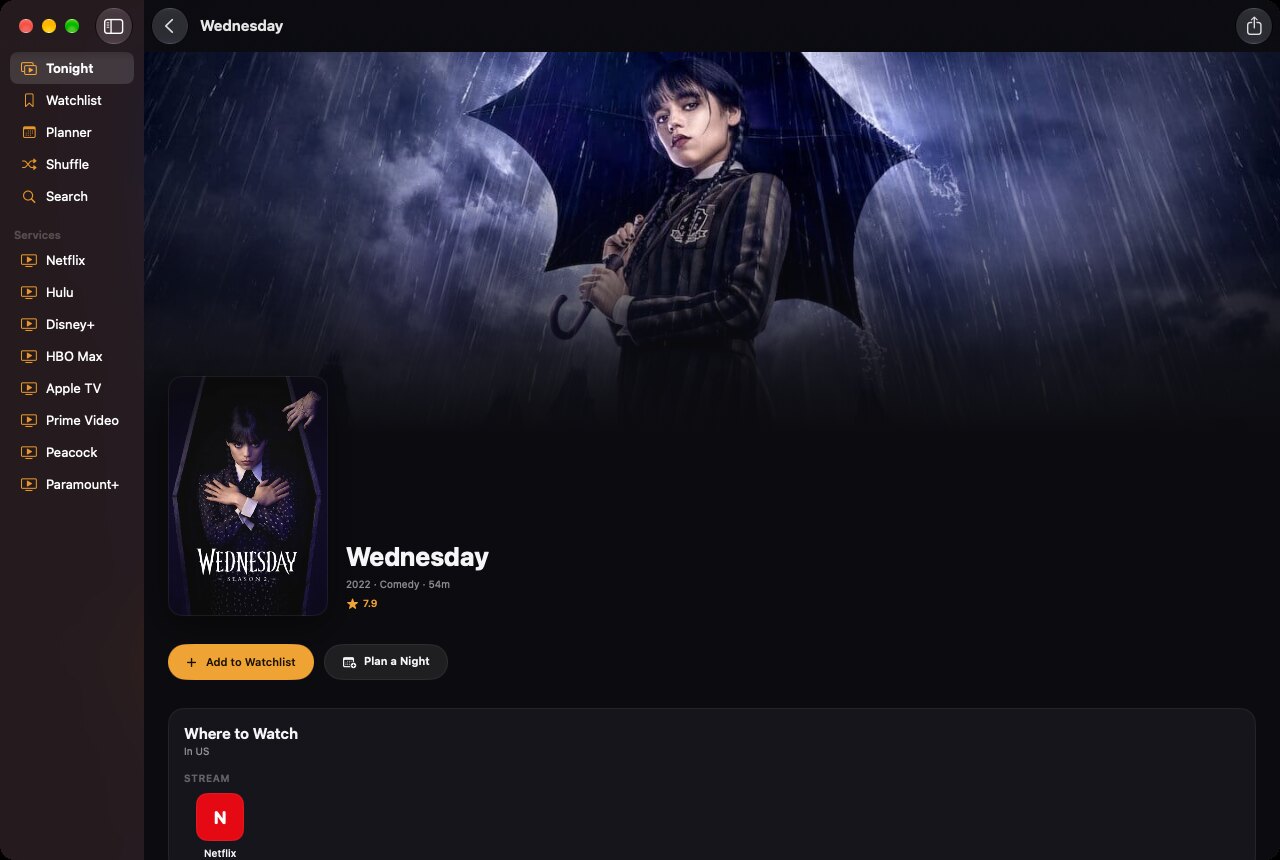
Where to watch
Stream, rent or buy, with your services first.
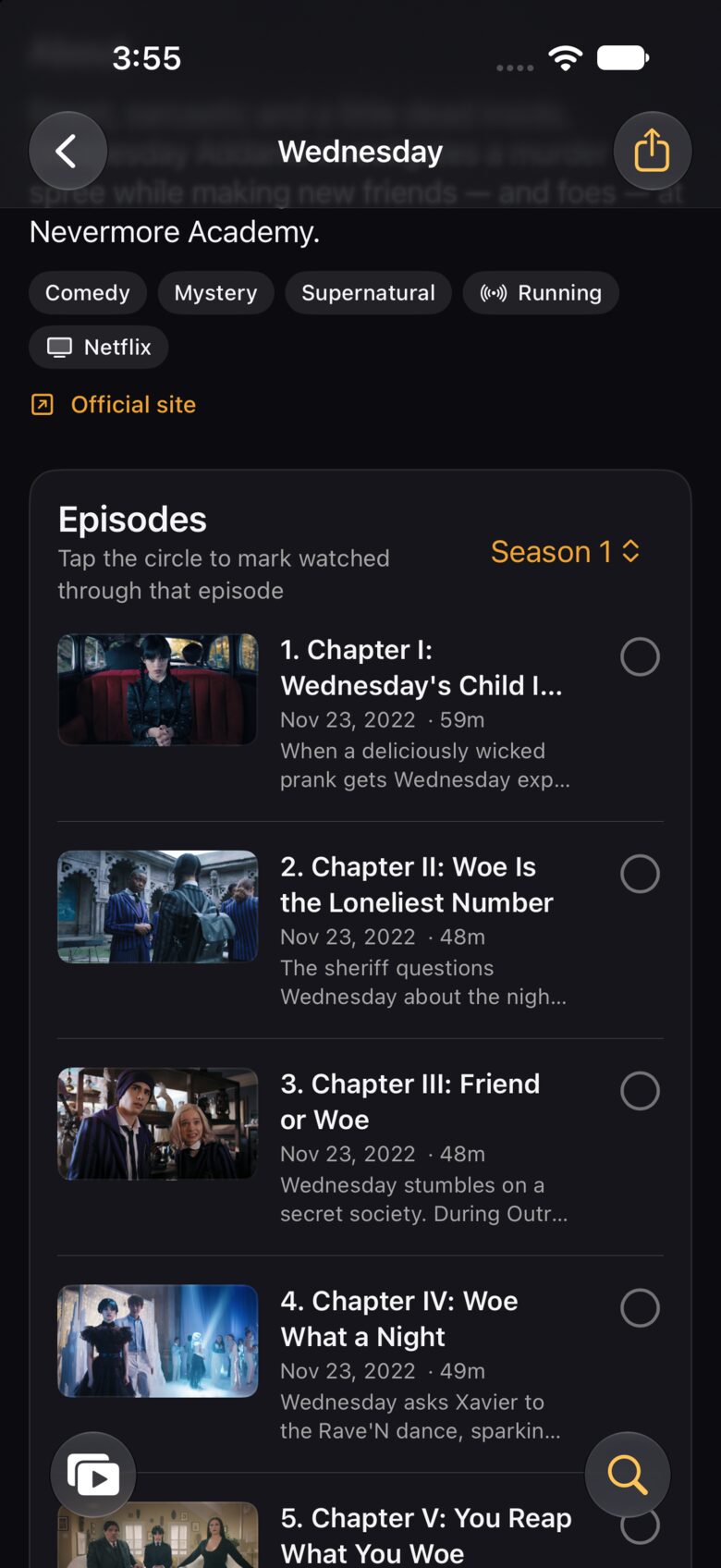
Every episode
Tap a circle to mark your progress.
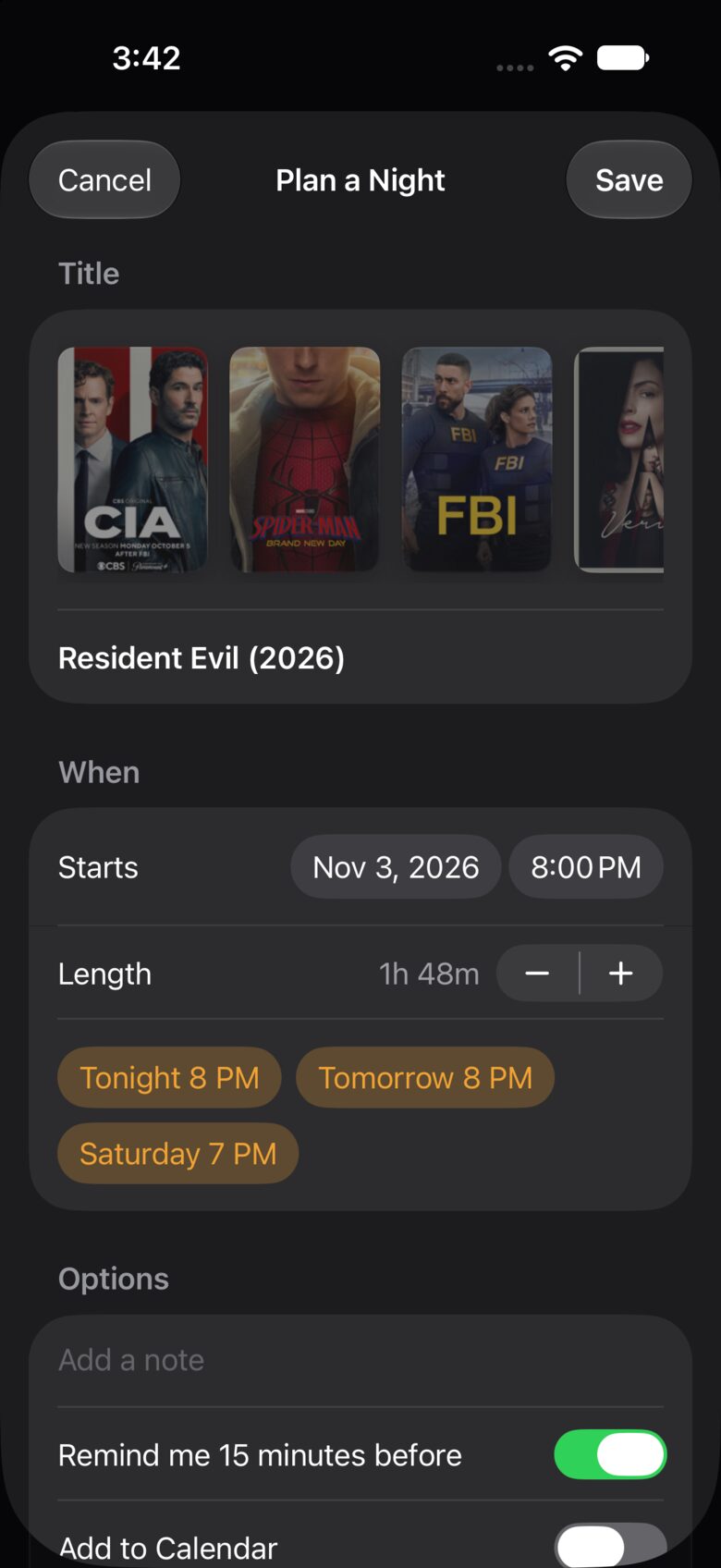
Plan a night
Pick a time; get a reminder and a calendar event.
Your list. Your schedule.
Keep everything you want to watch in one place, follow the series you love, and line up your week.
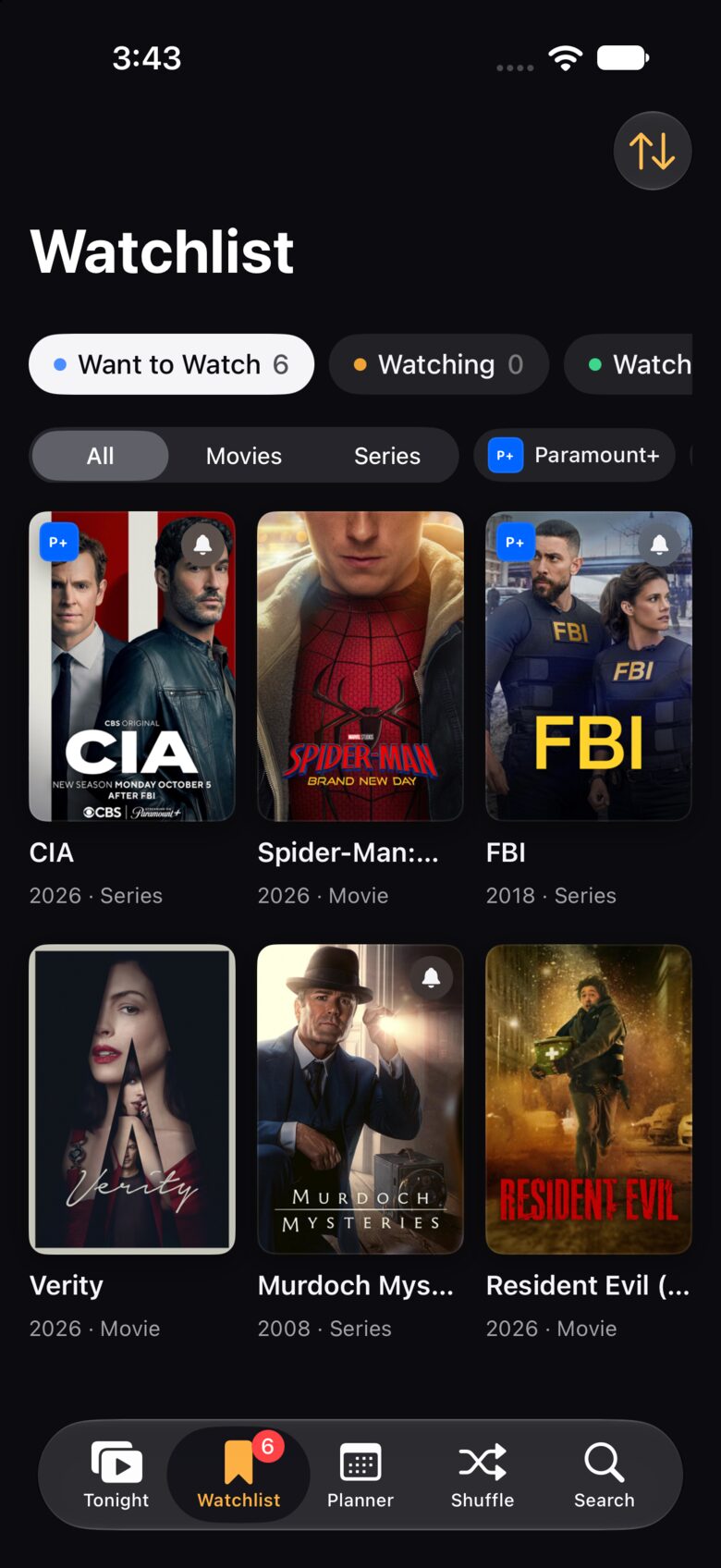
Watchlist
Want to Watch, Watching, Watched and Dropped, with ratings, notes and episode progress. Filter by service or type.
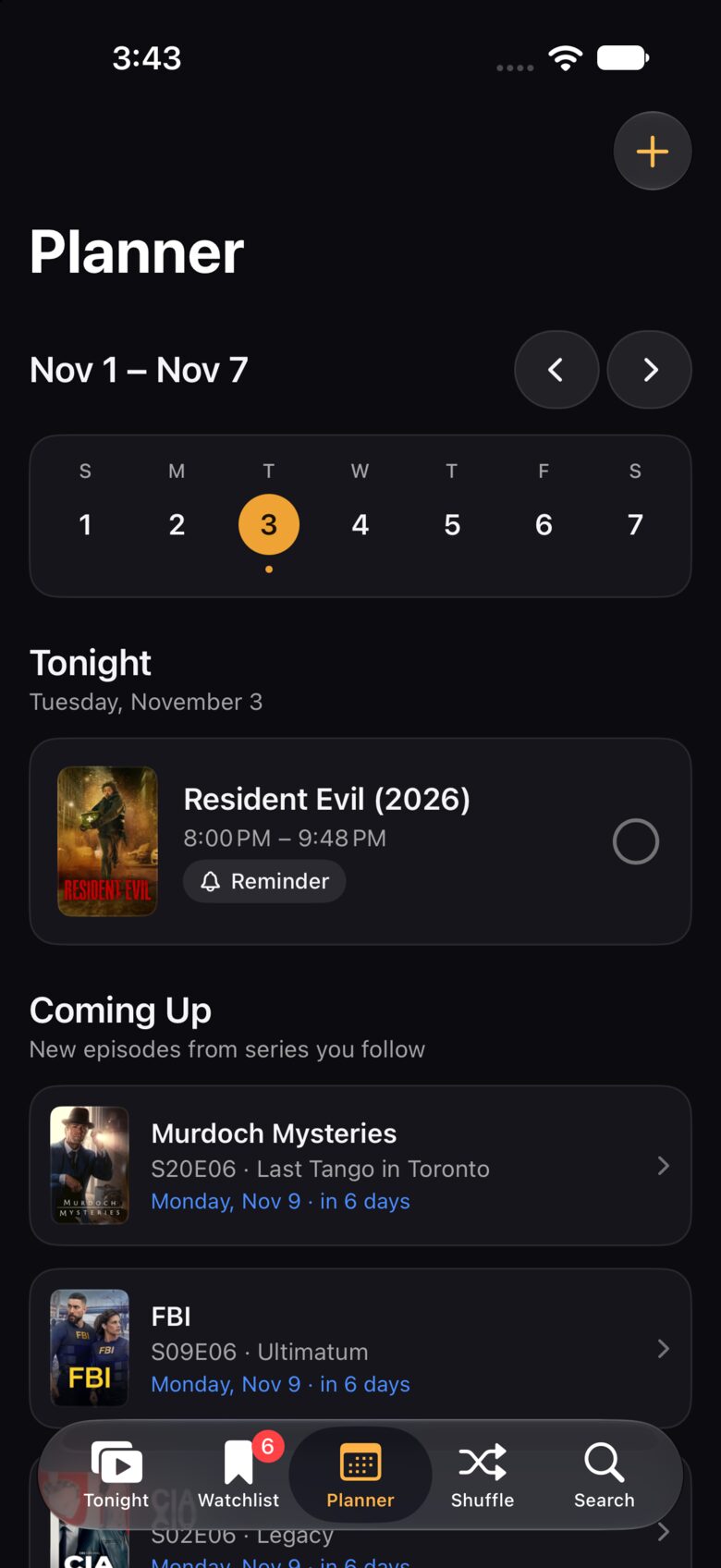
Planner
A week at a glance: your planned nights, plus new episodes of every series you follow, with reminders.
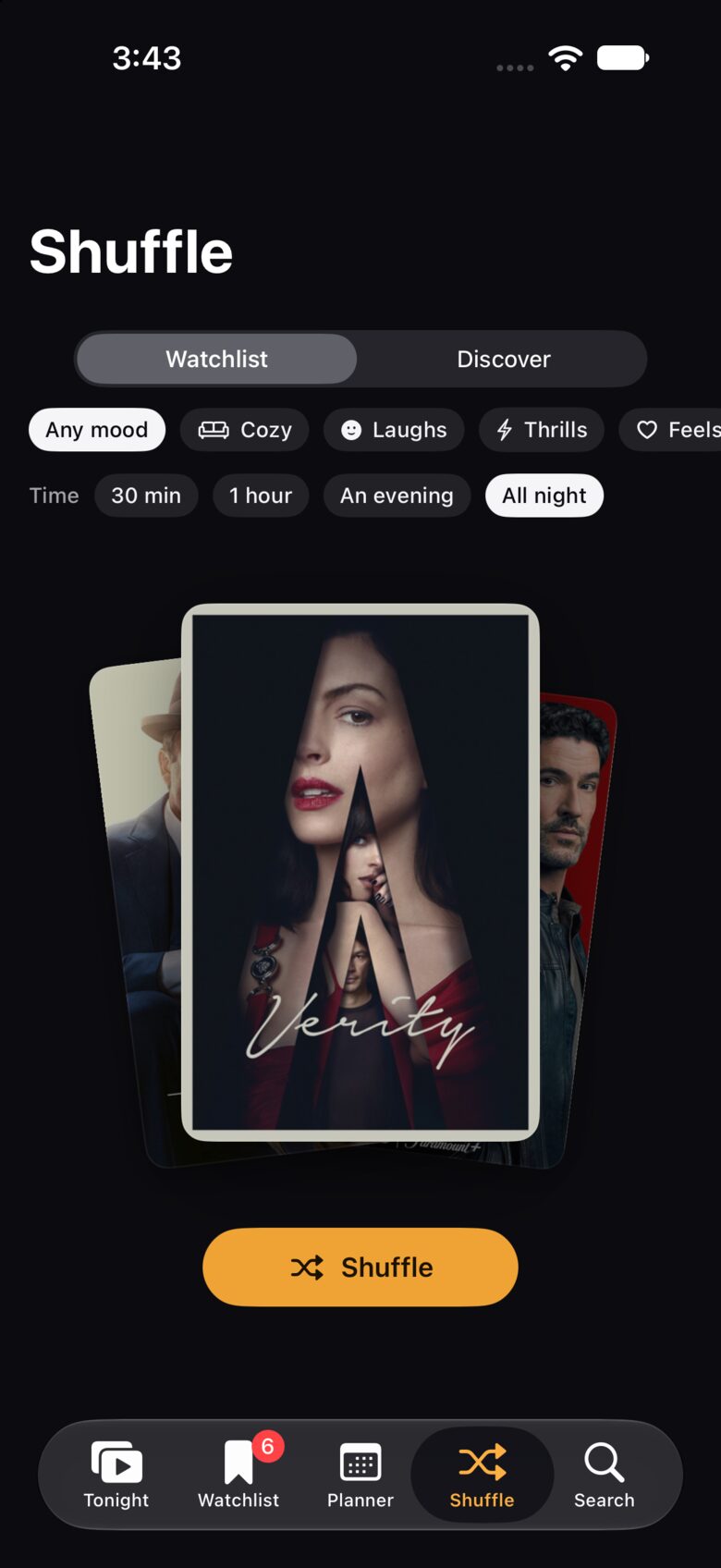
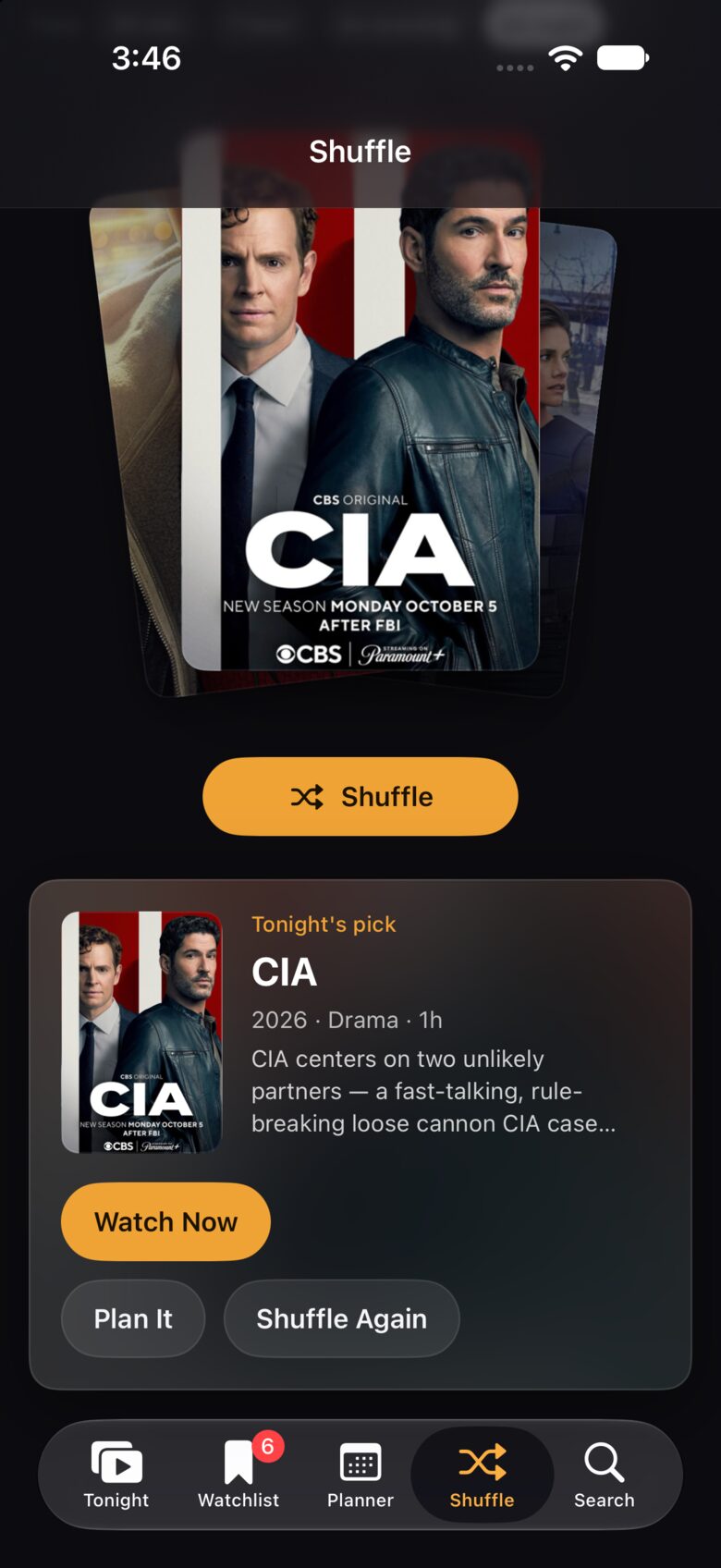
Can't decide? Shuffle.
Pick a mood and how much time you have, then let the deck choose from your watchlist or from what's trending. Watch it now, plan it for later, or shuffle again.
One library on every device.
Add a show on your iPhone and it's on your iPad and Mac a moment later. Your watchlist, ratings, progress and plans sync through iCloud, with no account to create.
iCloud, automatically
Every iPhone, iPad and Mac on your Apple ID shares one library. Settings shows when it last synced.
Android, too
Export your library and import it on the other side. It merges, and the newest changes win.
Private by design
No sign-up, no ads, no tracking. Your library lives on your devices and in your own iCloud.
Made for every screen you own.
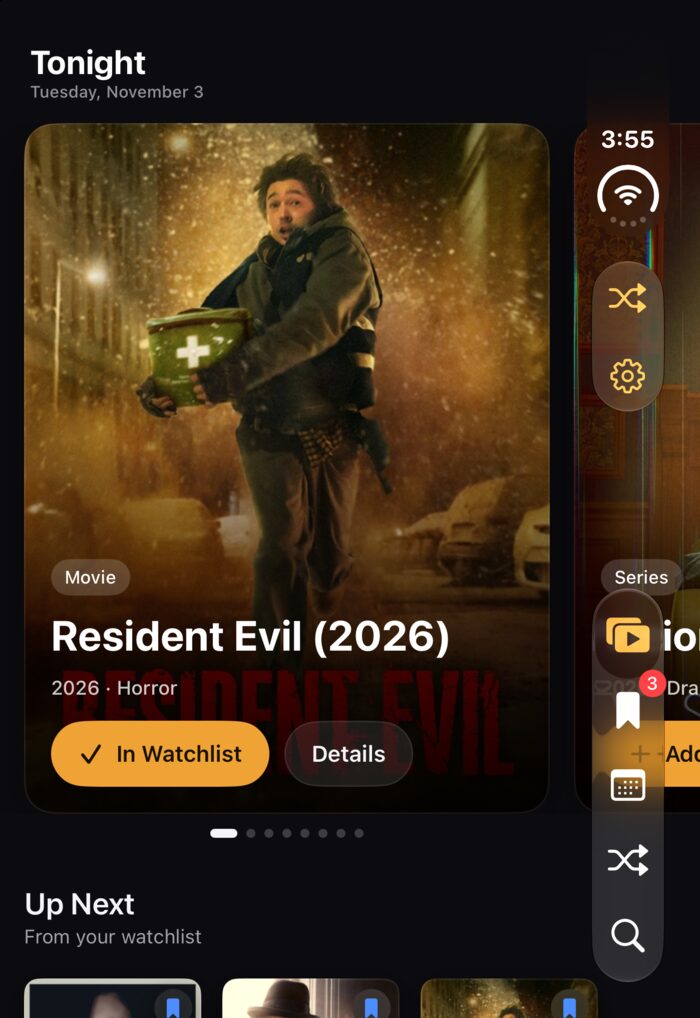
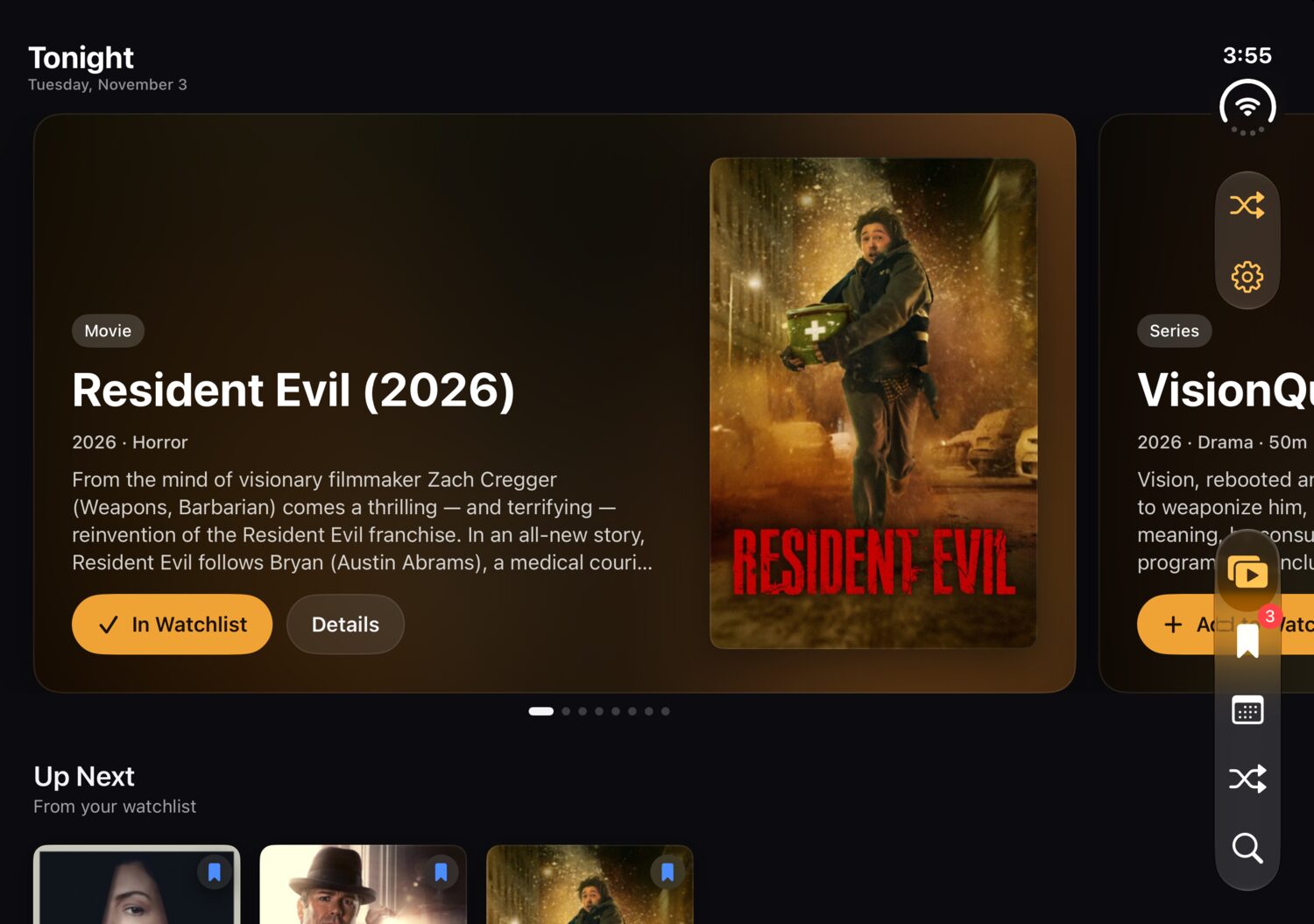
A native app on each platform, laid out for the screen it's on, from a folded phone to a Mac window.
iPhone Duo
A tall layout on the front screen, then a wide one the moment you unfold it.
iPad
Room for backdrops, a sidebar of your services, and grids that breathe.
Android
Jetpack Compose and Material 3, for phones, tablets and foldables.
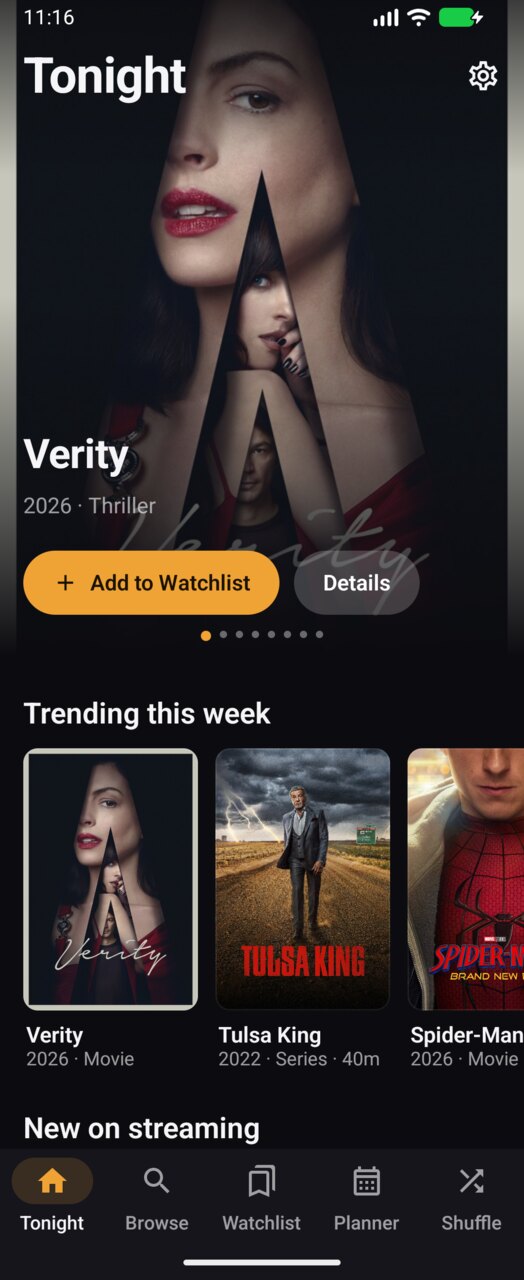
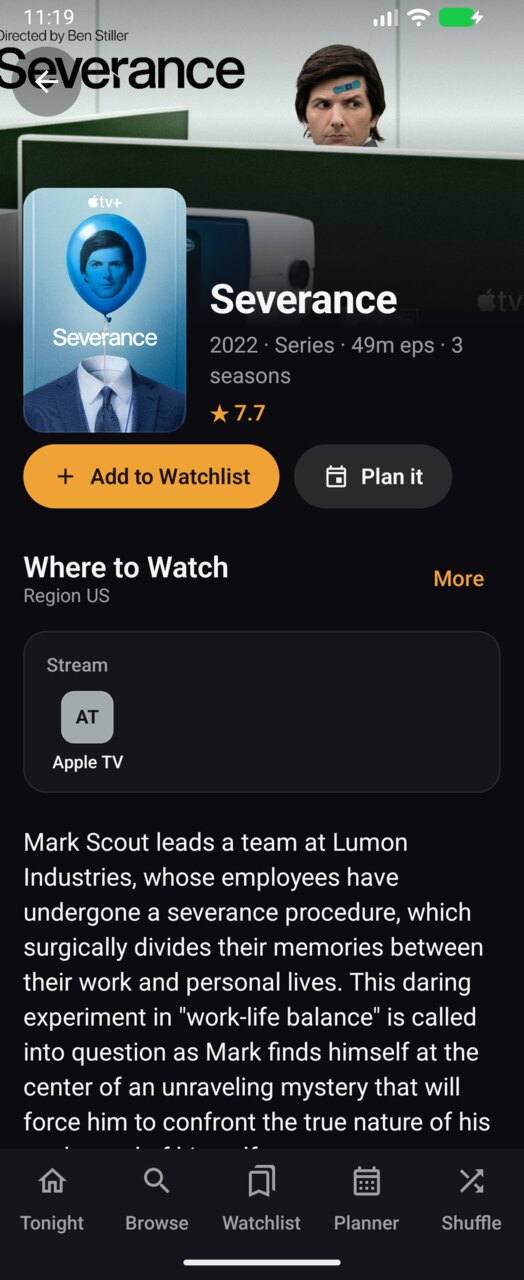
Every screen, up close.
Swipe through the iPhone app.
Run it yourself.
Couch Potato is open source. Clone the repository and have it on your own devices in a few minutes.
Apple
iPhone, iPad and Mac
- Xcode26 or later
- iOS / iPadOS26 or later
- macOS26 or later
- XcodeGenvia Homebrew
brew install xcodegengit clone https://github.com/nearbycoder/couch-potatocd couch-potatoxcodegenopen CouchPotato.xcodeproj
Android
Phones, tablets and foldables
- Android StudioLadybug or later
- JDK17 or later
cd couch-potato/android./gradlew :app:installDebug
Optional: add a free TMDB API key in Settings → Data Sources to include movies and streaming availability in every region. Without one, the app uses TVmaze, Apple's movie charts and Couch Potato's own series catalog.
Grab the remote.
Couch Potato is free, open source and ready for your iPhone, iPad, Mac and Android.