Clone a voice from a few seconds of audio.
Record or import 3–15 seconds of speech. Whisper writes the transcript, Reverb encodes the voice — all on device. Sixteen preset voices in seven languages are included.
Open source · SwiftUI · iOS 26+
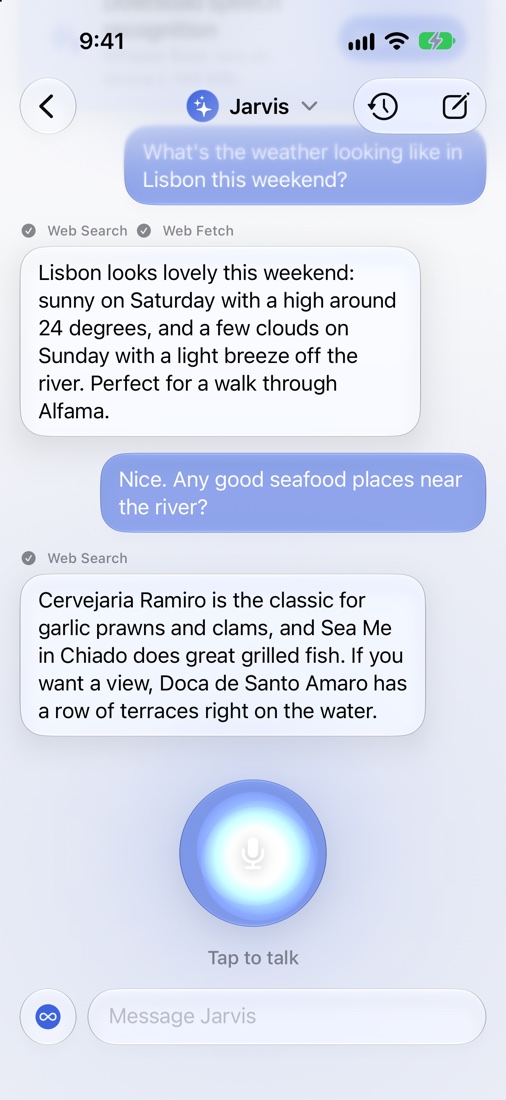
Jarvis is a native iPhone and iPad voice assistant you can fork. Speech recognition and lifelike voices run on device, ChatGPT does the thinking through the Pi agent harness, and MCP plugs it into everything else.
How it works
Speak, and Whisper transcribes on the Neural Engine. The Pi agent reasons with your ChatGPT subscription and calls tools. Reverb answers in the voice you chose — synthesized on device, sentence by sentence, so it starts talking right away.
WhisperKit · on device
Pi harness · ChatGPT
MCP · web · memory · skills
Reverb-TTS · on device
Features
Record or import 3–15 seconds of speech. Whisper writes the transcript, Reverb encodes the voice — all on device. Sixteen preset voices in seven languages are included.
Give each its own prompt, voice, model, reasoning level and toolset. Jarvis, a researcher, a running coach — talk to any of them directly.
No API keys or servers. Jarvis uses your Plus or Pro subscription through the open-source Pi agent harness, running inside the app.
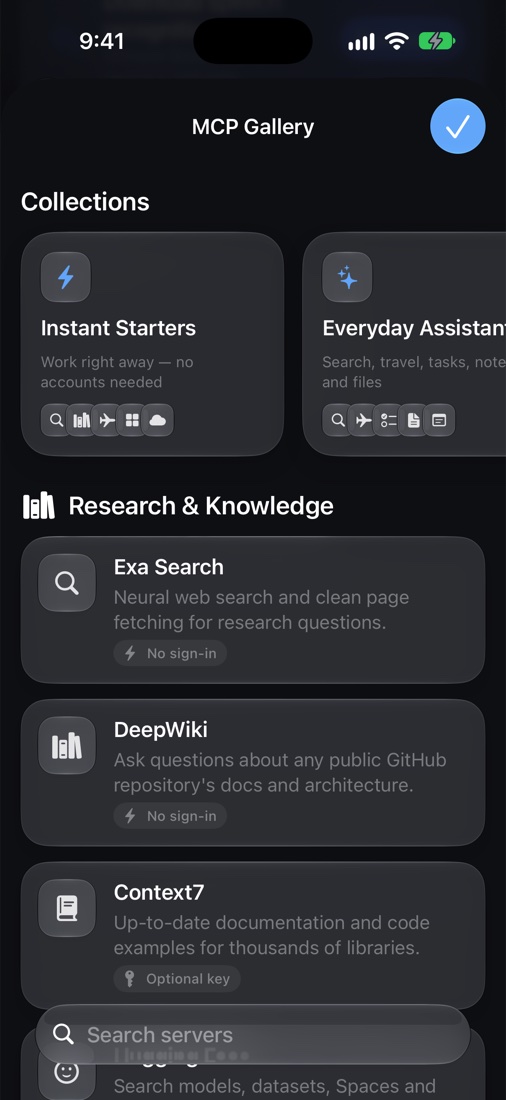
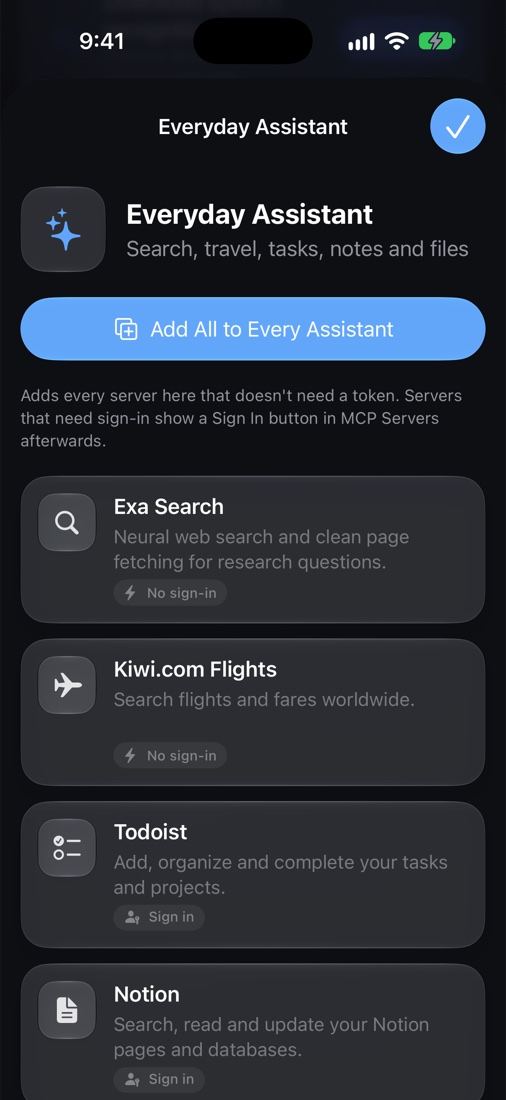
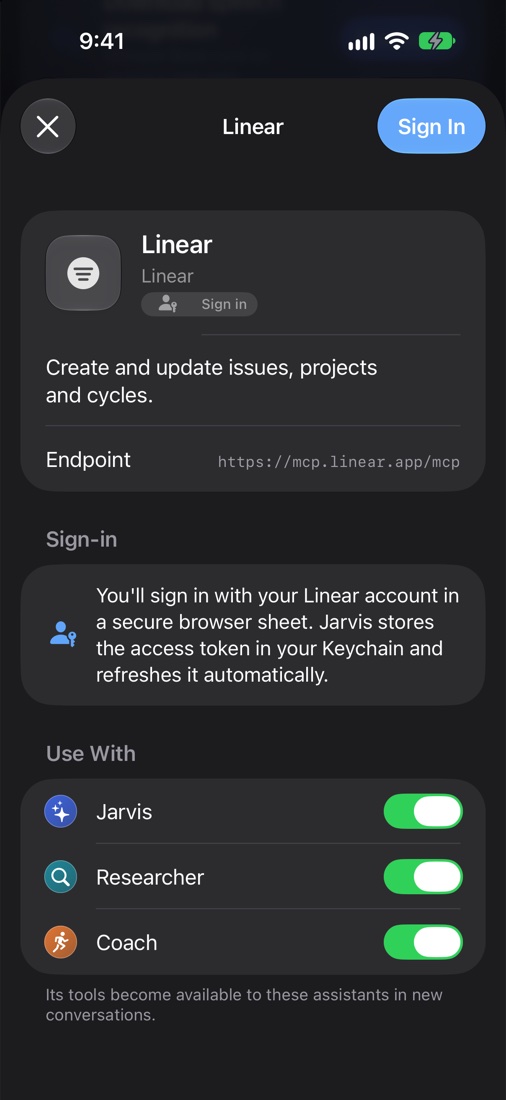
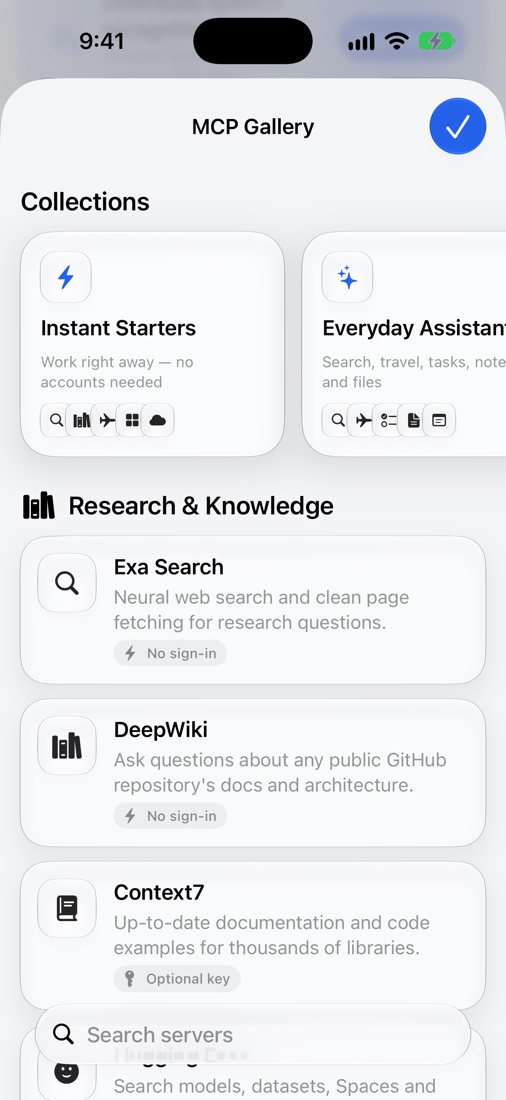
Curated collections of remote MCP servers — Notion, Linear, Todoist, Stripe, flights, docs and more. OAuth sign-in, API-key headers, live status.

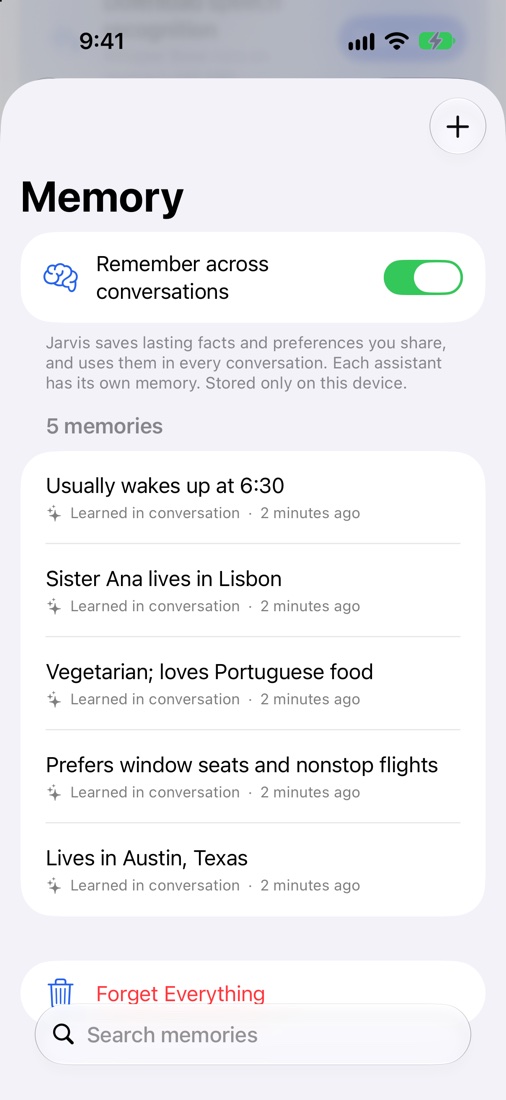
Each assistant keeps its own persistent memory, and you can read, edit or wipe every fact.
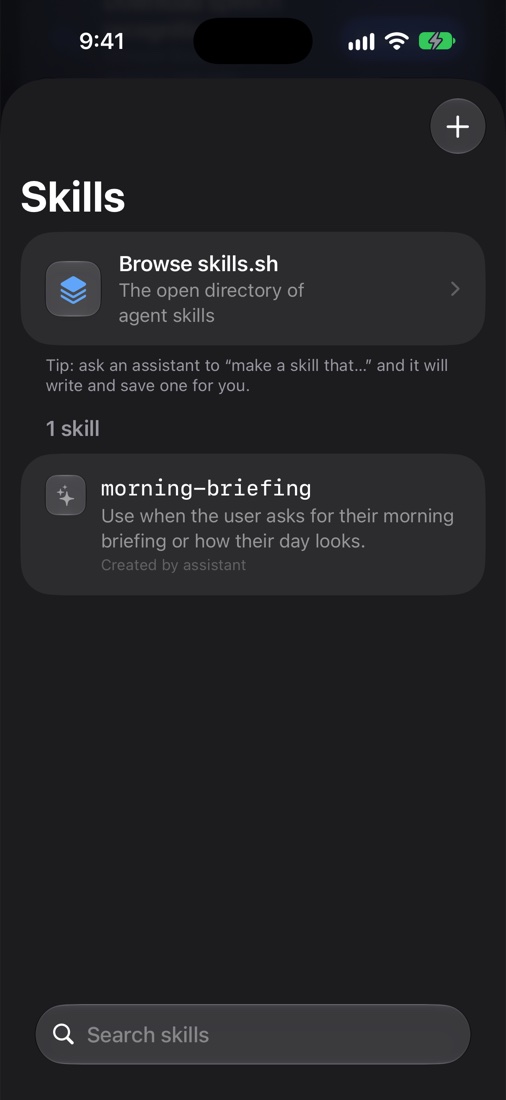
Say “make a skill for my morning briefing” and it writes a reusable SKILL.md. Or install thousands from skills.sh.
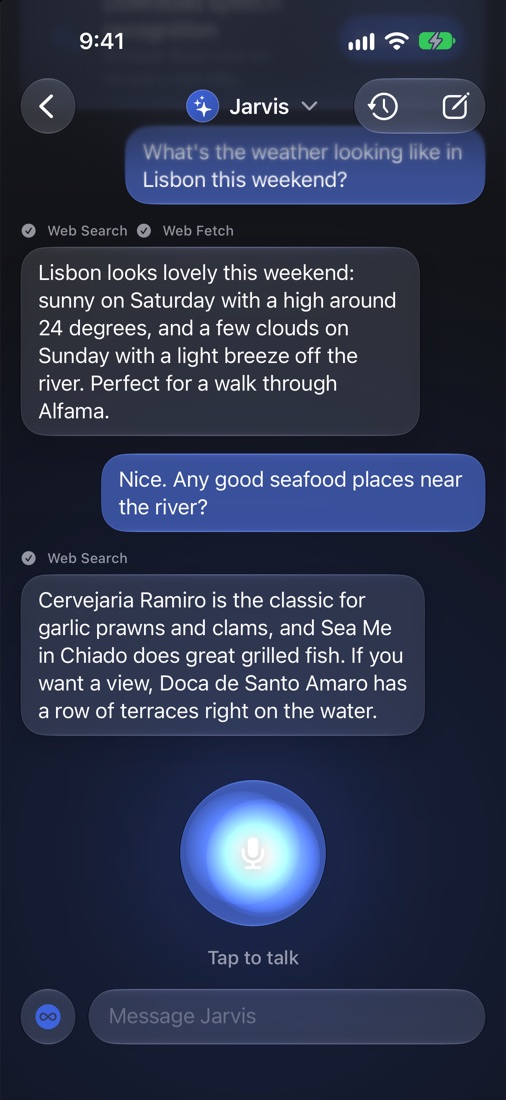
Native SwiftUI with Liquid Glass throughout. Adapts to iPad split view and iPhone Duo — half-fold it and the orb rises above the hinge.
A closer look


Make it yours
Every layer is readable Swift or TypeScript, with an architecture doc and a self-test that exercises the whole stack in the simulator. Rename it, rebrand it, swap the voice, add your own tools.
# 1 · create your copy
$ gh repo create my-jarvis \
--template nearbycoder/jarvis --clone
$ cd my-jarvis
# 2 · signing + Xcode project
$ make bootstrap
# 3 · open it and press Run
$ make open
FAQ
No. Jarvis signs in with your ChatGPT Plus or Pro subscription, the same way the Codex CLI and the Pi harness do, and stores the tokens in your Keychain. This sign-in method is meant for personal use with your own subscription.
Speech recognition (WhisperKit) and speech synthesis and voice cloning (Reverb-TTS on ExecuTorch) run entirely on device. The text of your request goes to ChatGPT and to any tools or MCP servers you enable.
iPhone and iPad running iOS 26 or later, including iPhone Duo. On-device models download on first use: Whisper is about 145 MB, the Reverb voice models about 410 MB, and voice cloning adds about 400 MB.
Yes. Pick from the MCP Gallery or add any remote MCP server (Streamable HTTP), with OAuth sign-in or custom headers. You can also write native Swift tools and skills.
The code is MIT. The Reverb-TTS model weights are CC BY-NC 4.0 (non-commercial) and the Higgs Audio v2 codec has its own license, so check those before using them commercially. Jarvis isn't affiliated with OpenAI or Apple.