 Thumb Potato
Everything you want to play. One place.
Thumb Potato keeps your backlog across Switch, PlayStation, Xbox, PC and mobile, watches for release dates, and helps you pick what to play tonight.
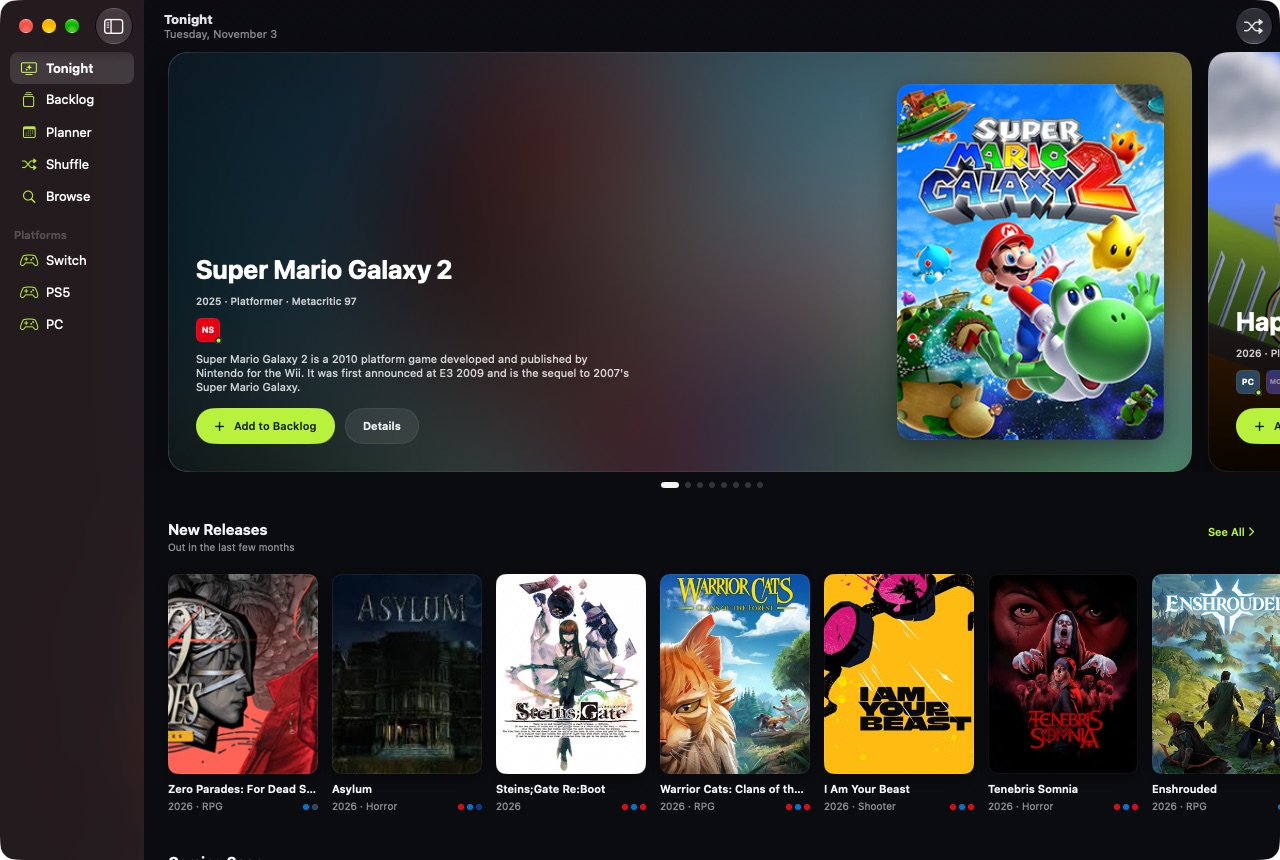
Every platform you play on. One backlog for all of them.
Supported platforms: Nintendo Switch 2, Nintendo Switch, PlayStation 5, PlayStation 4, Xbox Series X|S, Xbox One, PC, Mac, and iOS & Android.
Open it. Know what to play.
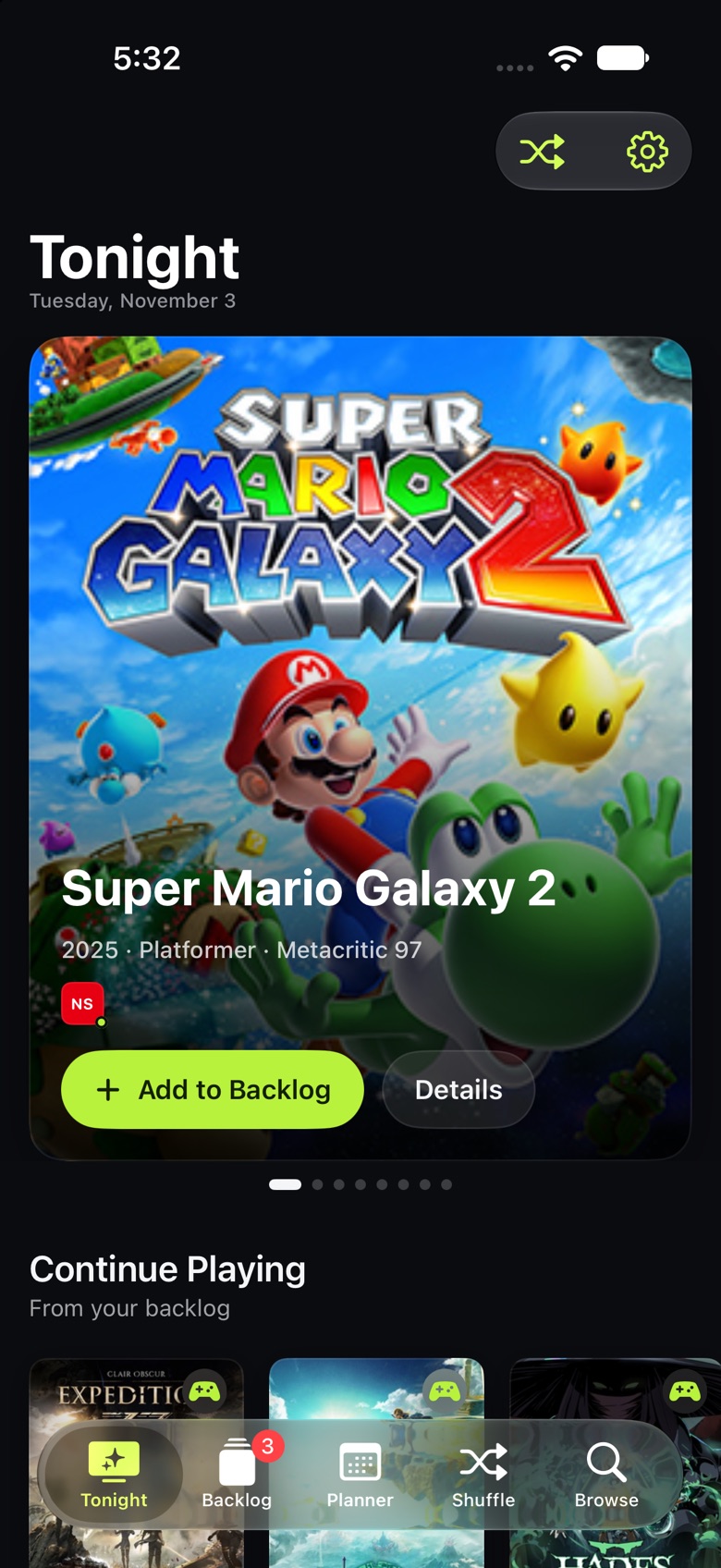
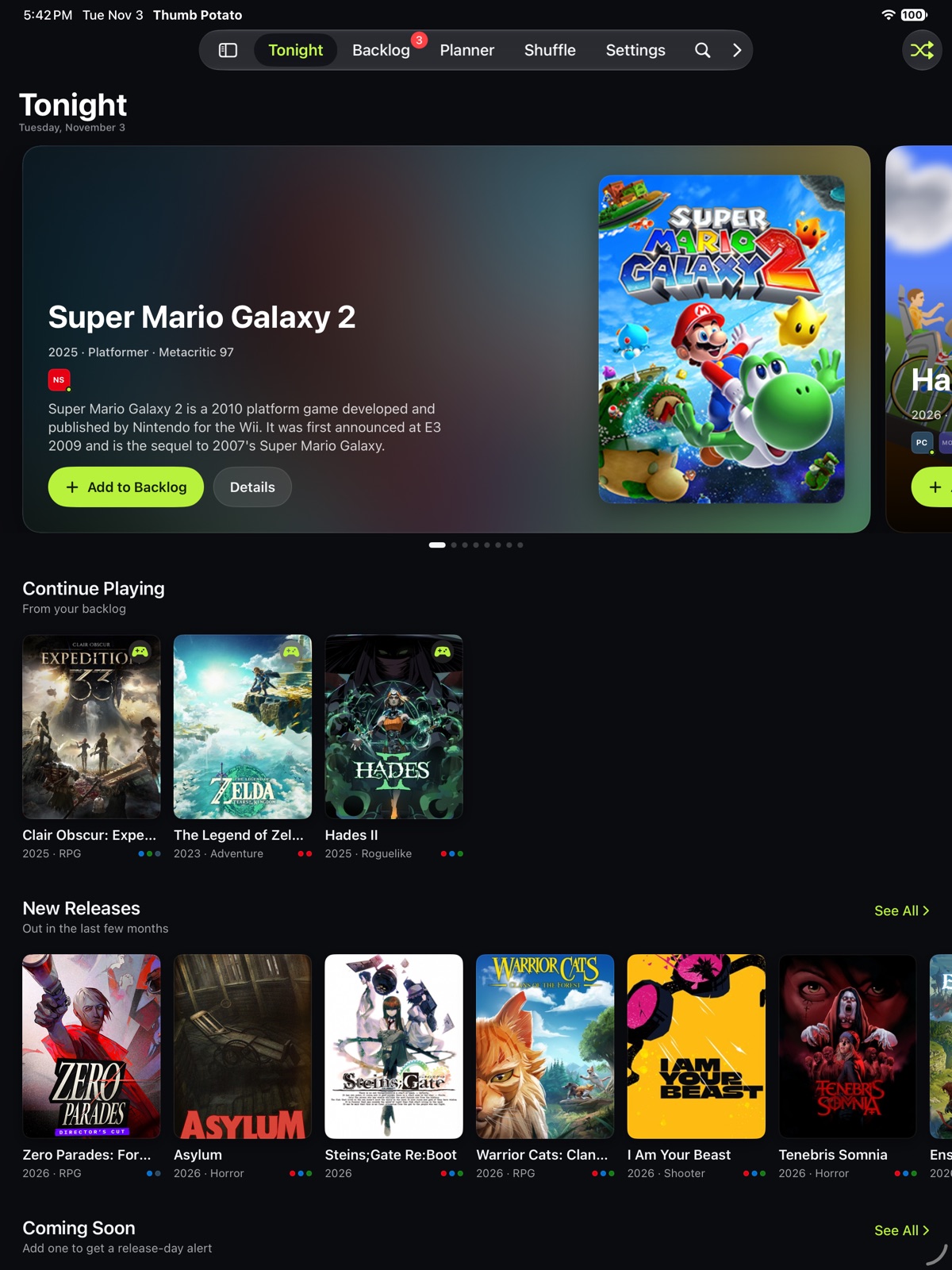
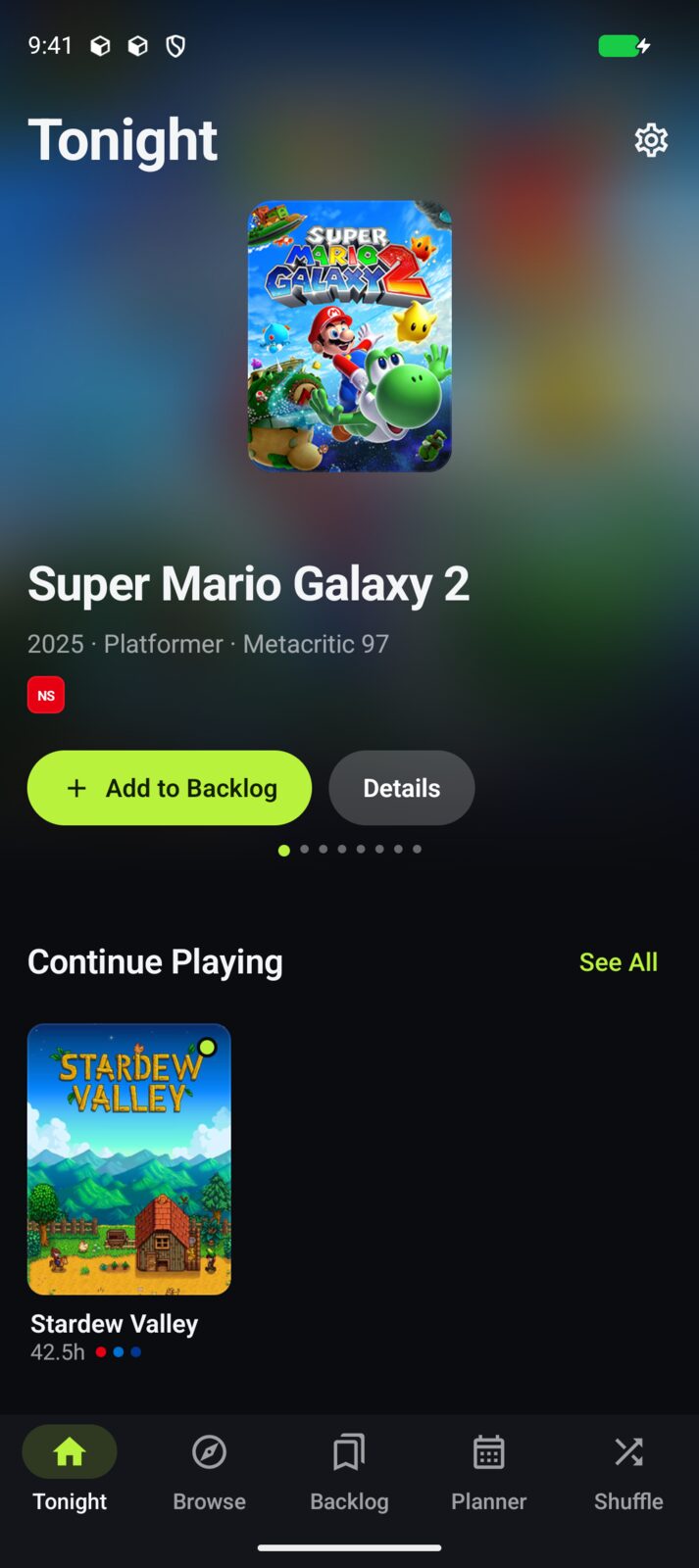
A home screen built around tonight: big featured box art, what just came out, what's coming soon, and the game you're in the middle of, all a tap away.
- Continue Playing picks up where your backlog left off.
- New Releases and Coming Soon for the platforms you own.
- Top sellers and deals from Steam and PC stores.
Every game. Filtered your way.
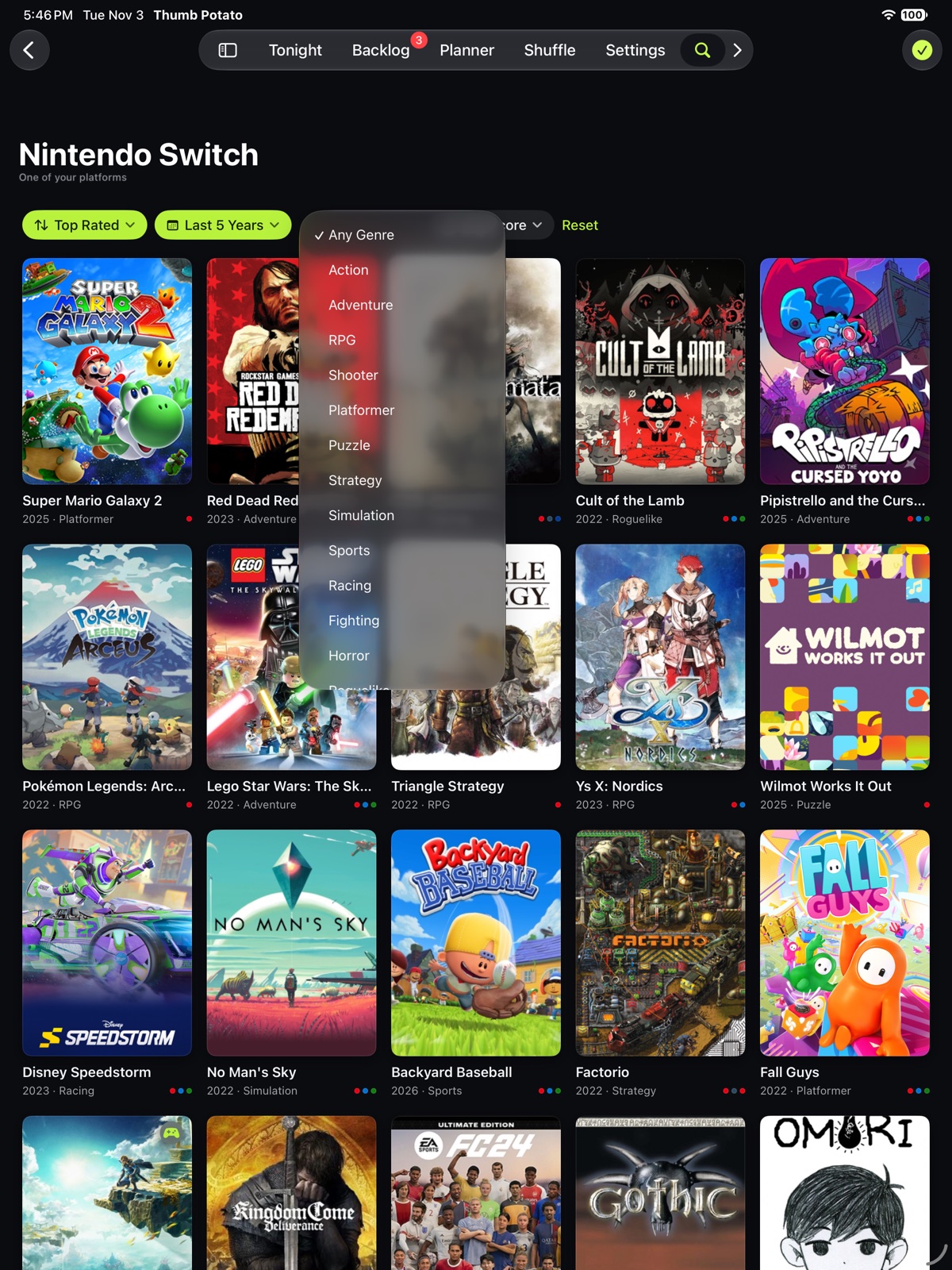
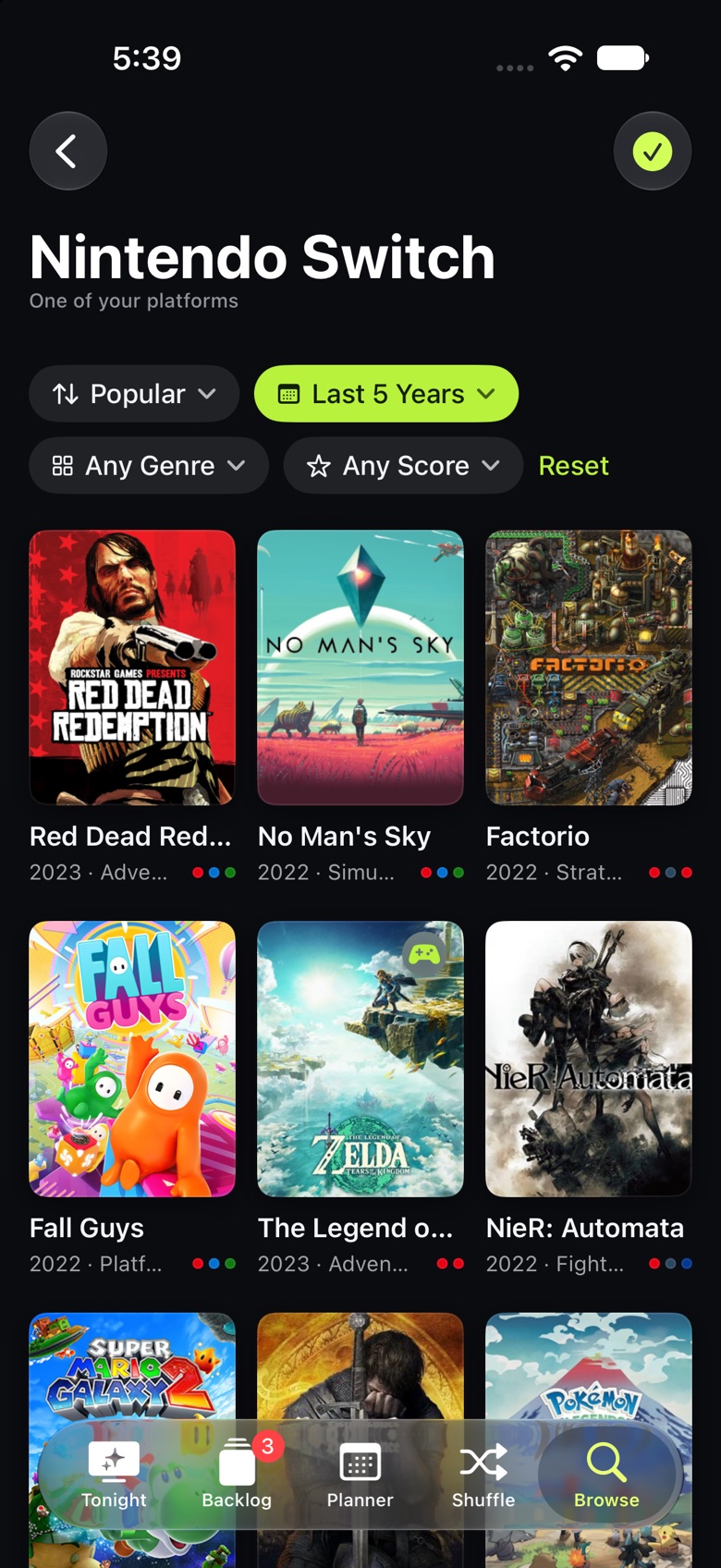
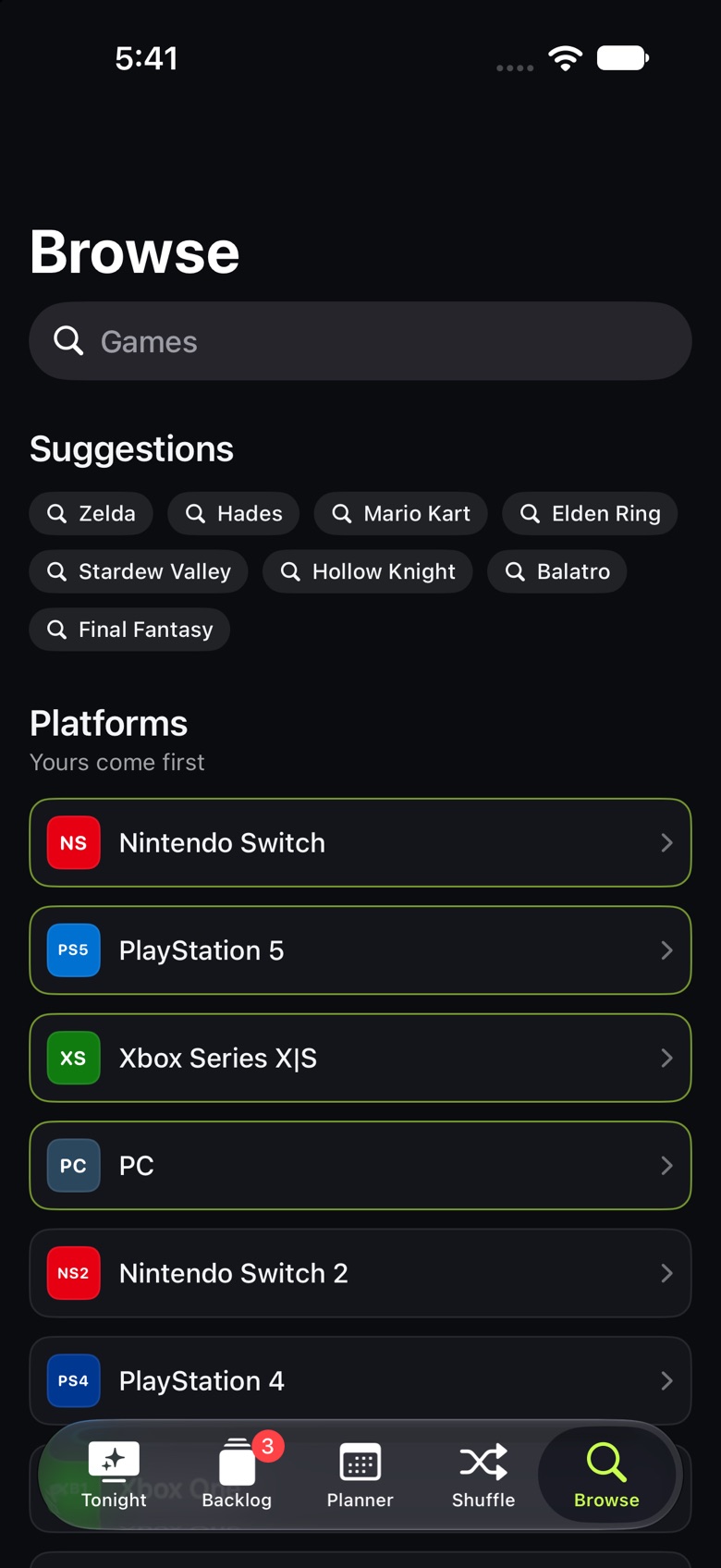
Tap Switch and get Switch: more than a thousand games, loading as you scroll. Narrow it down by release window, genre or critic score, and sort by what's newest or best reviewed.
- Works without an account. Add a free RAWG key for live search across every game.
- Moods for when you know the feeling, not the title.
Everything about it. Including where to play.
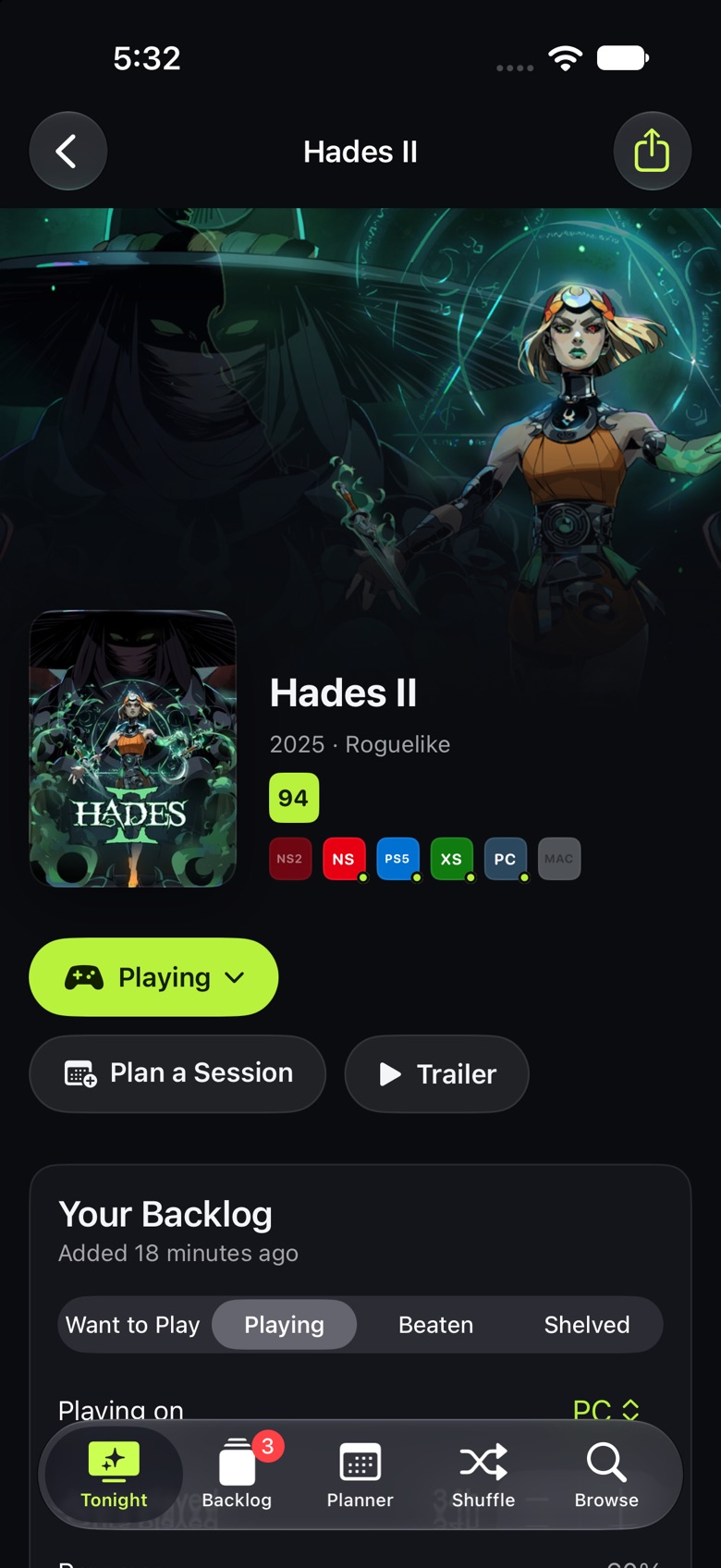
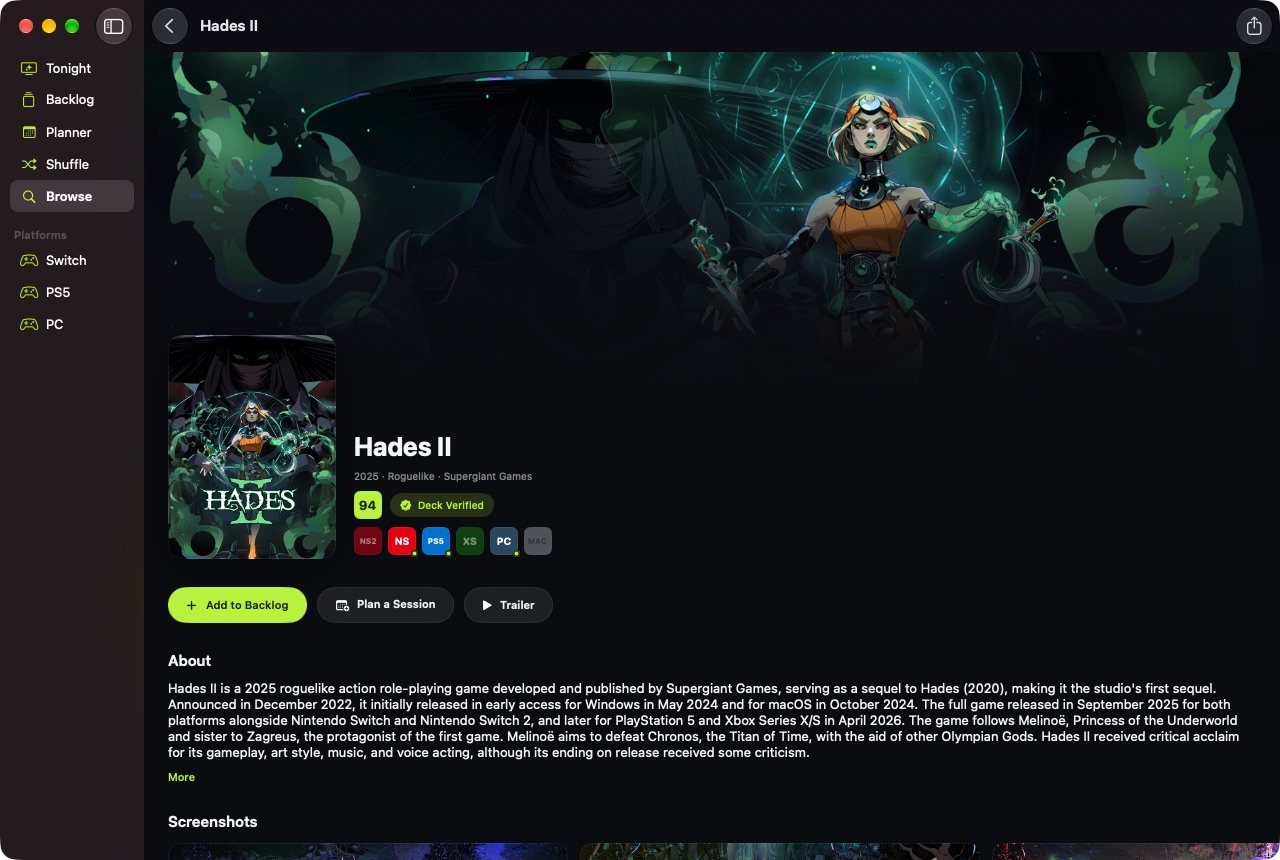
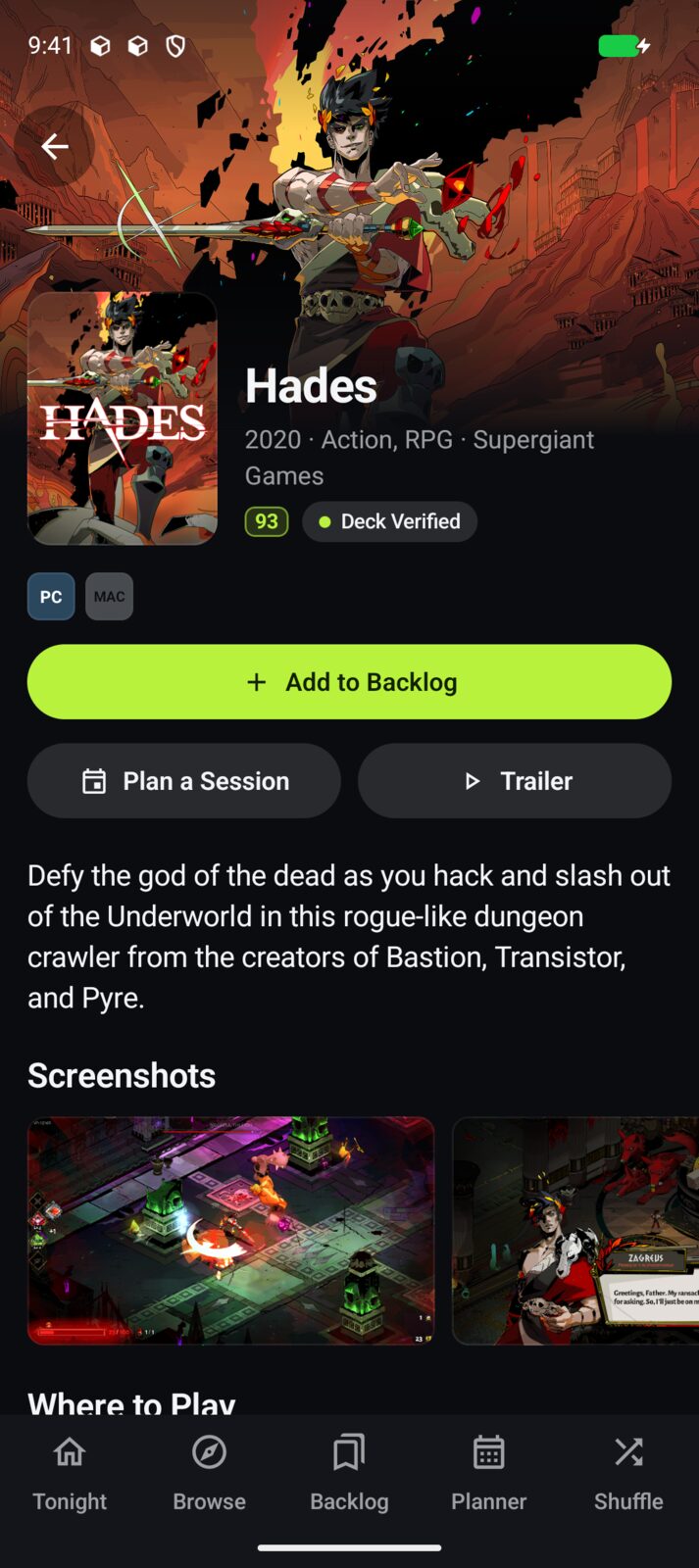
Hero art, critic scores, Steam Deck status, screenshots and trailers, plus every store that sells it on your platforms and the best PC price right now.
Every detail
Scores, platforms and Steam Deck status at a glance.
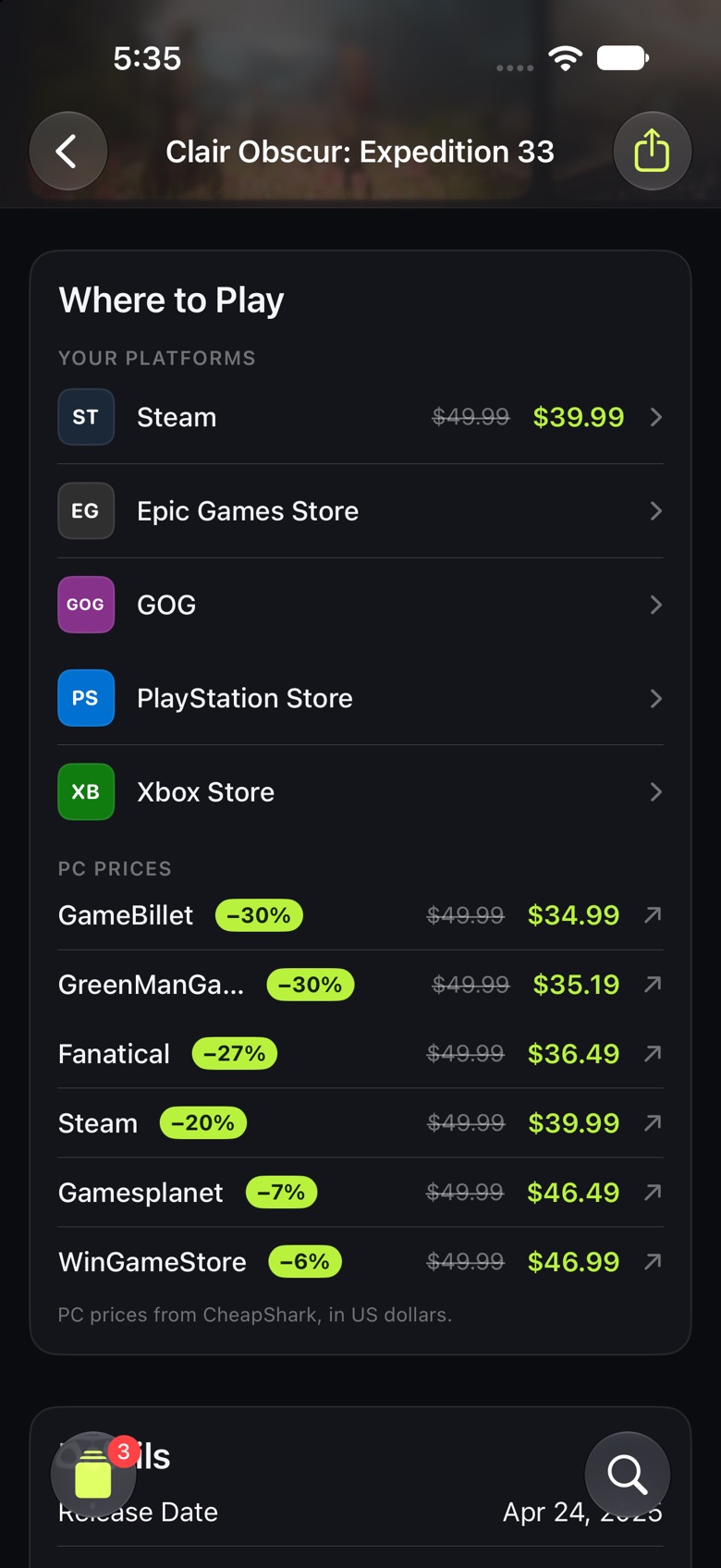
Where to play
Your platforms' stores first, plus live PC deals.
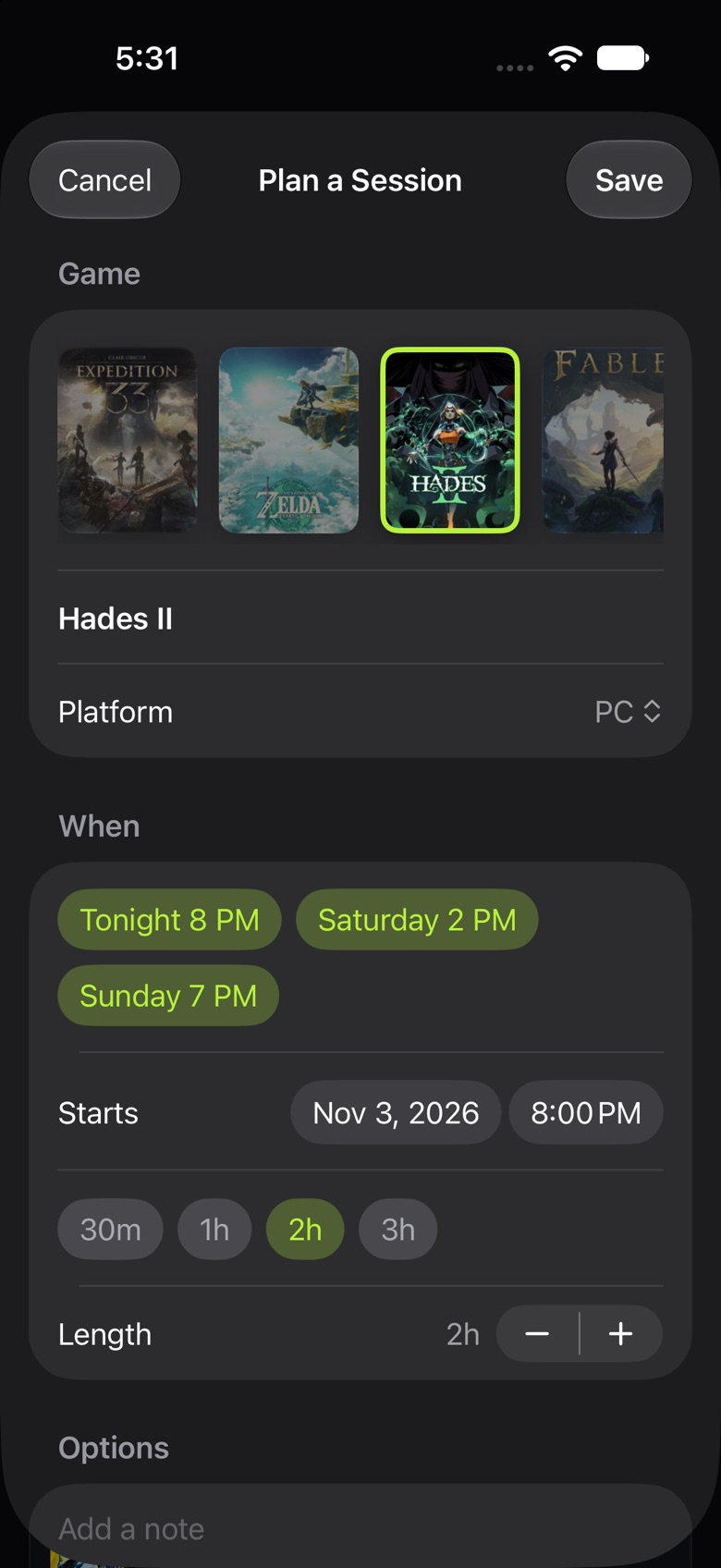
Plan a session
Pick a time; get a reminder and a calendar event.
Your backlog. Your schedule.
Keep every game you mean to play in one place, follow the ones that aren't out yet, and line up your week.
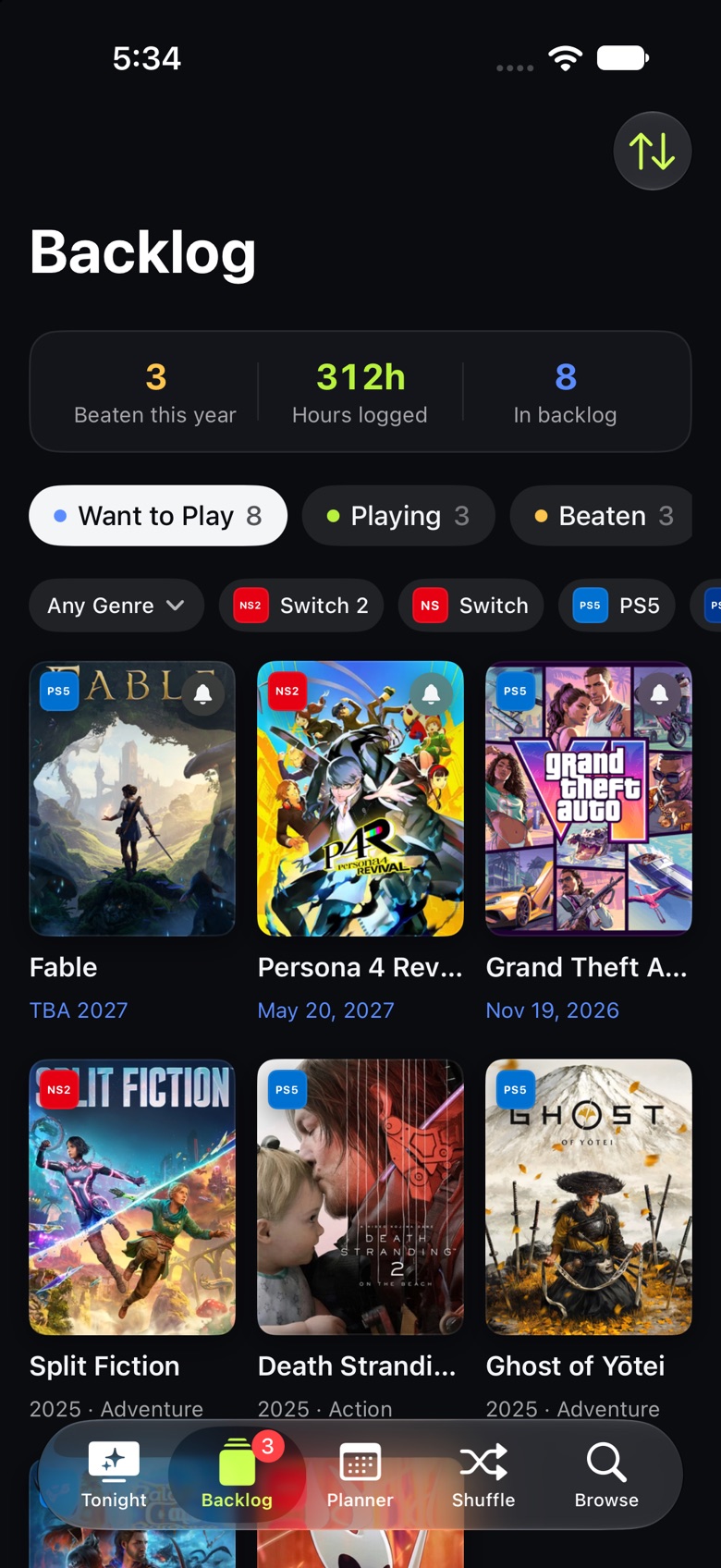
Backlog
Want to Play, Playing, Beaten and Shelved, with hours played, progress, ratings and notes. Filter by platform or genre.
Planner
A week at a glance: your planned sessions, plus a Release Radar of every game you follow, with reminders.
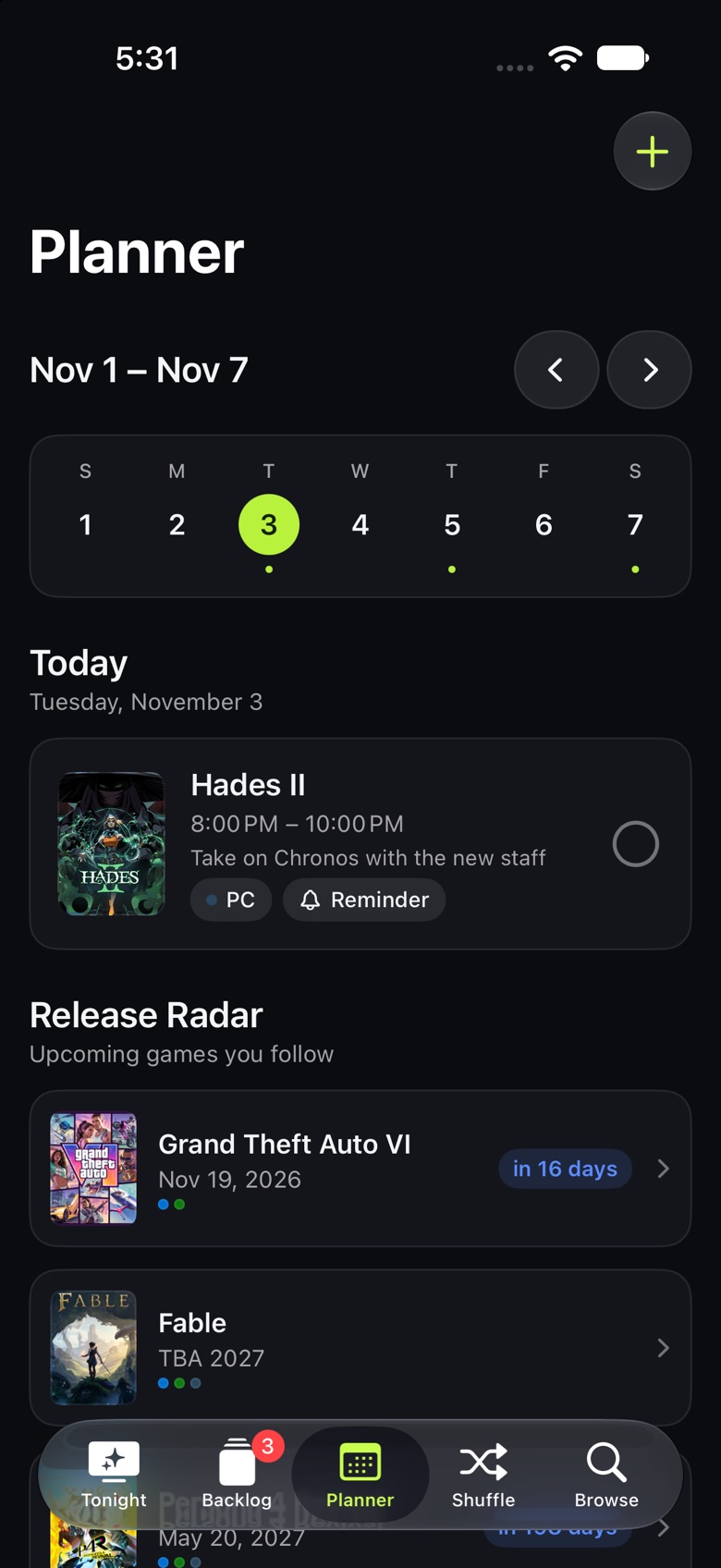
Release Radar
Follow a game that isn't out yet and it gets a countdown and a release-day alert. Coming up next:
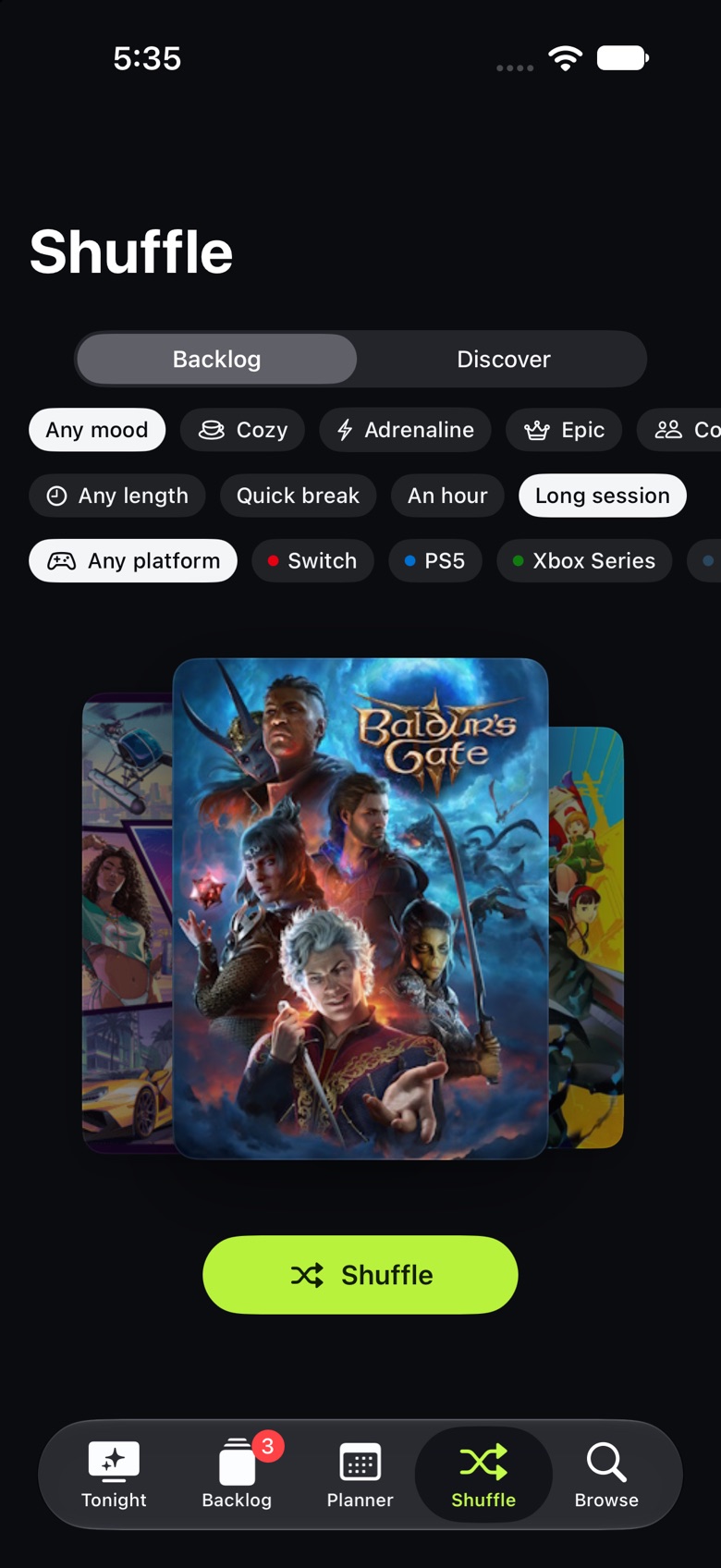
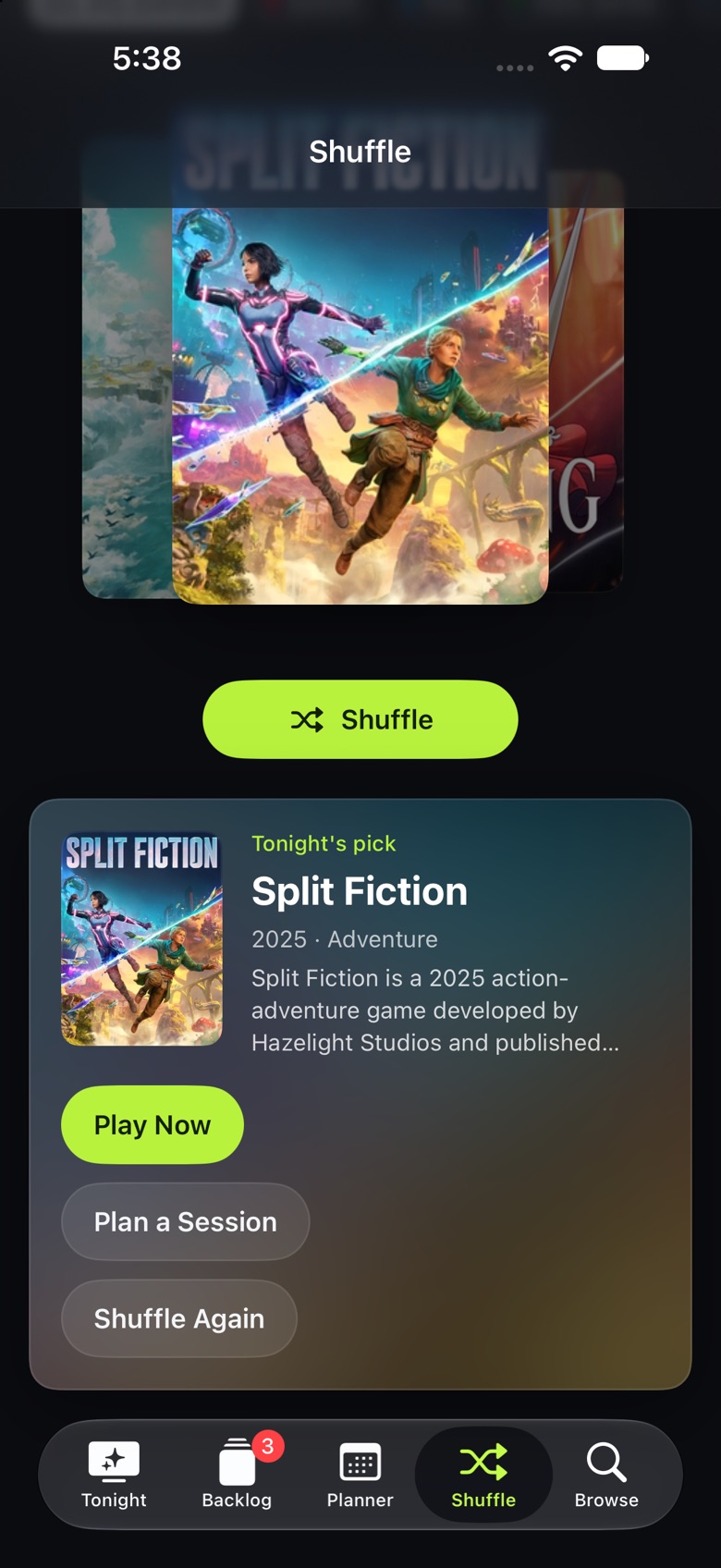
Can't decide? Shuffle.
Pick a mood, how long you've got and which console you're on, then let the deck choose from your backlog or from what's popular. Play it now, plan it for later, or shuffle again.
One backlog on every device.
Add a game on your iPhone and it's on your iPad and Mac a moment later. Your backlog, hours, ratings and sessions sync through iCloud, with no account to create.
iCloud, automatically
Every iPhone, iPad and Mac on your Apple ID shares one backlog. Settings shows when it last synced.
Android, too
Export your backlog and import it on the other side. It merges, and the newest changes win.
Private by design
No sign-up, no ads, no tracking. Your backlog lives on your devices and in your own iCloud.
Made for every screen you own.
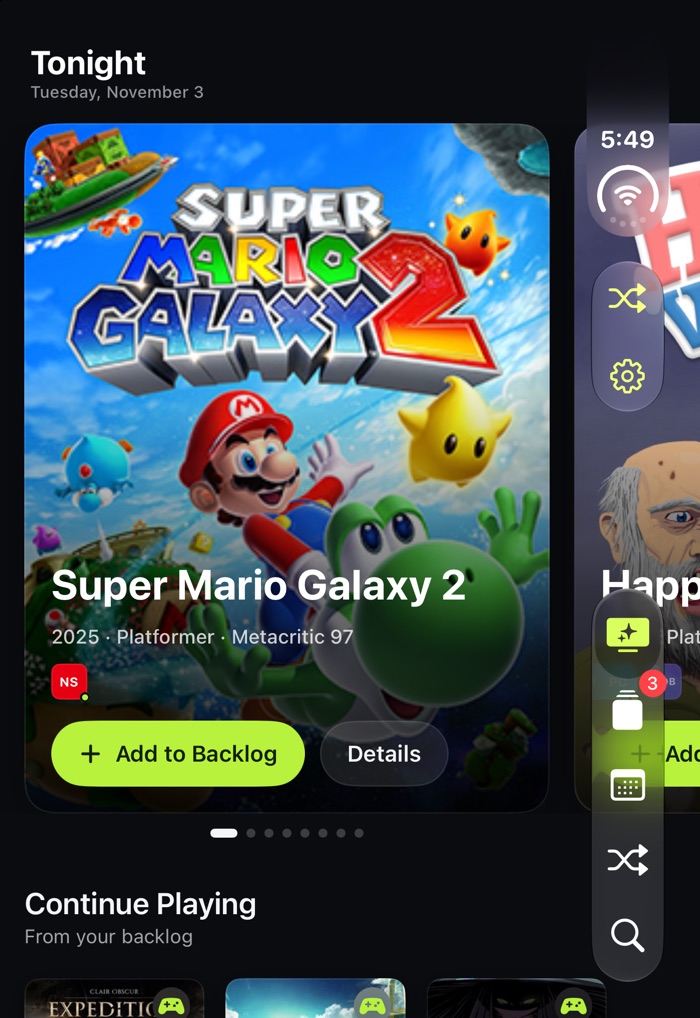
A native app on each platform, laid out for the screen it's on, from a folded phone to a Mac window.
iPhone Duo
A tall layout on the front screen, then a wide one the moment you unfold it.
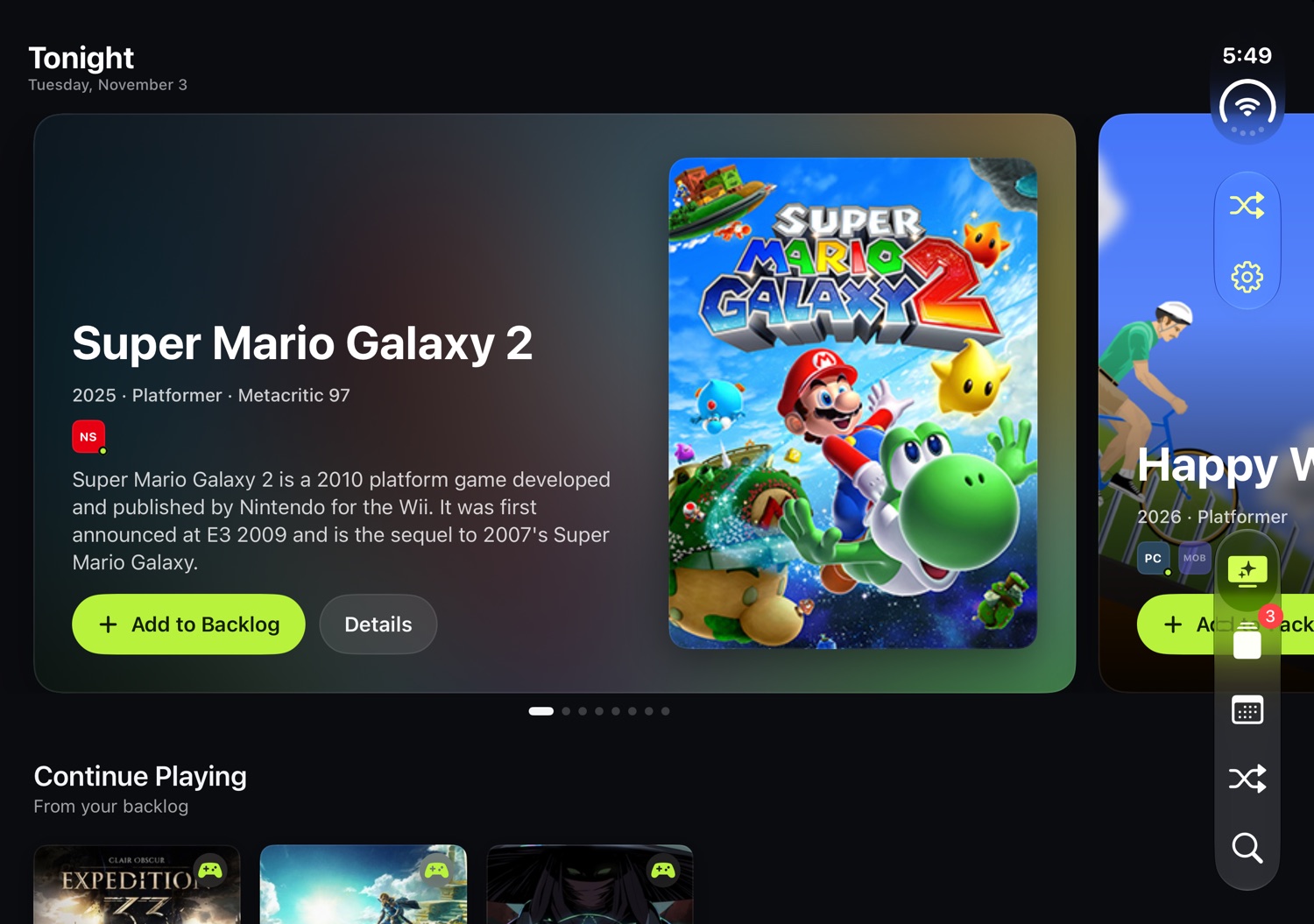
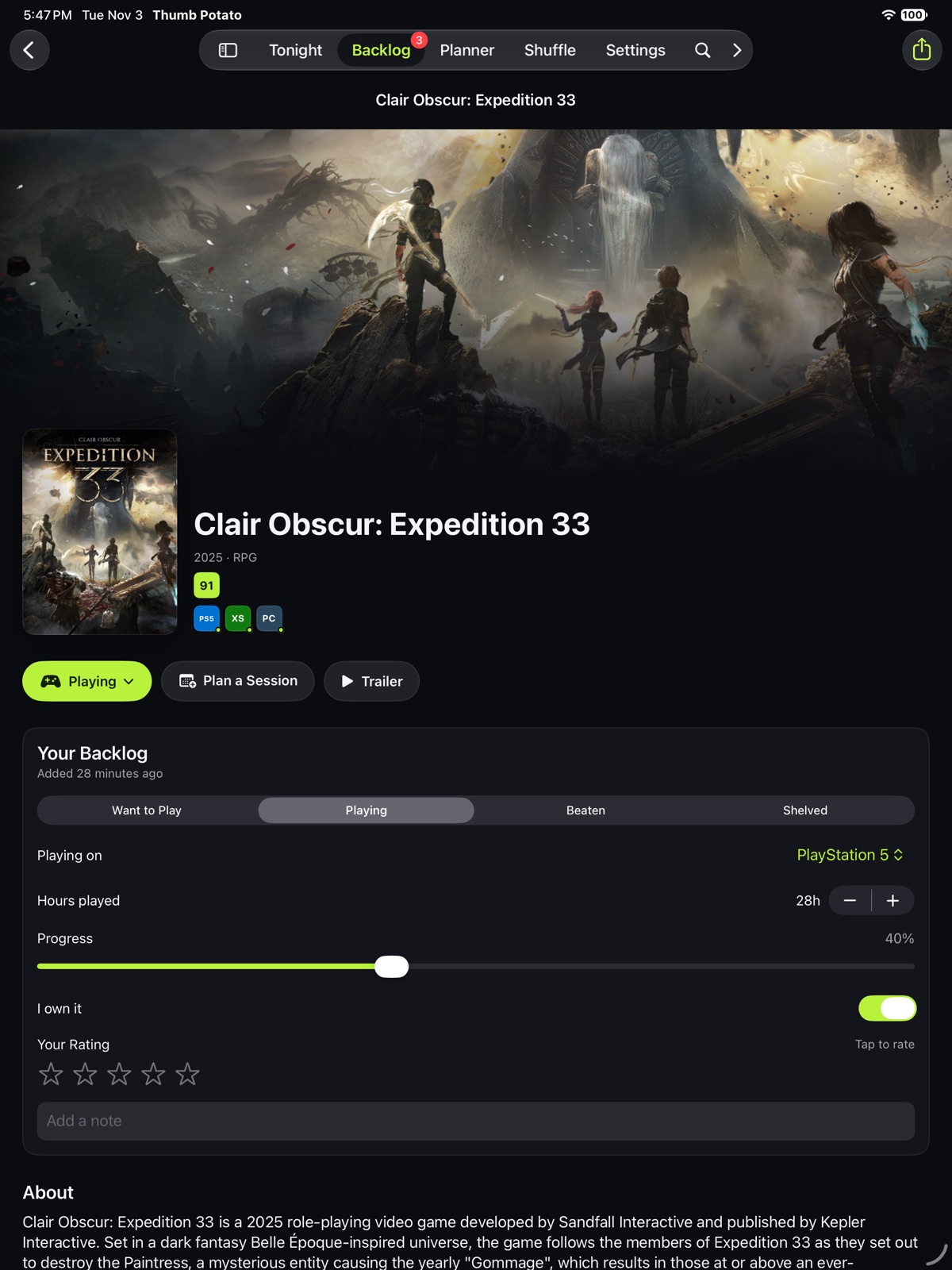
iPad
Room for hero art, a sidebar of your platforms, and grids that breathe.
Android
Jetpack Compose and Material 3, for phones, tablets and foldables.
Every screen, up close.
Swipe through the iPhone app.
Run it yourself.
Thumb Potato is open source. Clone the repository and have it on your own devices in a few minutes.
Apple
iPhone, iPad, iPhone Duo and Mac
- Xcode26 or later
- iOS / iPadOS26 or later
- macOS26 or later
- XcodeGenvia Homebrew
brew install xcodegengit clone https://github.com/nearbycoder/thumb-potatocd thumb-potatoxcodegenopen ThumbPotato.xcodeproj
Android
Phones, tablets and foldables
- Android StudioLadybug or later
- JDK17 or later
cd thumb-potato/android./gradlew :app:installDebug
No keys required. Out of the box, Thumb Potato uses its own daily catalog built from Wikidata, Wikipedia and Steam, plus live data from Wikipedia, Steam and CheapShark. Add a free RAWG API key in Settings → Data Sources for live search and browsing across RAWG's full database.
Grab a controller.
Thumb Potato is free, open source and ready for your iPhone, iPad, Mac and Android.