Turbo + Shoot
Dunk
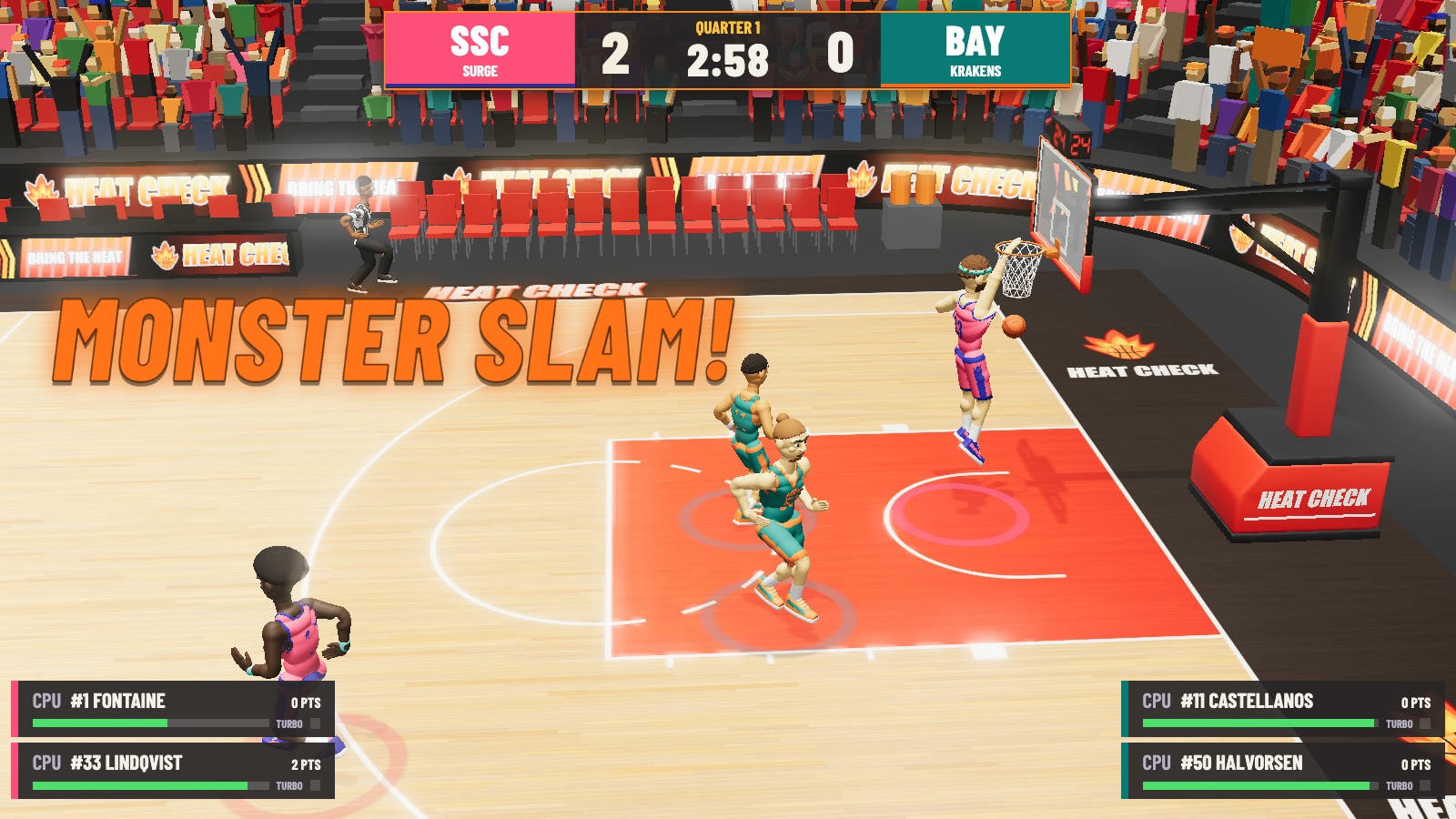
Inside dunk range. Two-hand, windmill, 360 or reverse depending on distance, and a flip when you’re on fire.
2-on-2 arcade basketball
Turbo sprints. Sky-high dunks. Shoving with no fouls. Hit three straight and you’re on fire.
On a phone or tablet? Turn it sideways: the game has an on-screen stick and buttons, and a gamepad works too.
The browser version is a Three.js web port of the Unreal Engine desktop game. The desktop build and all its source live in the repo.
The game
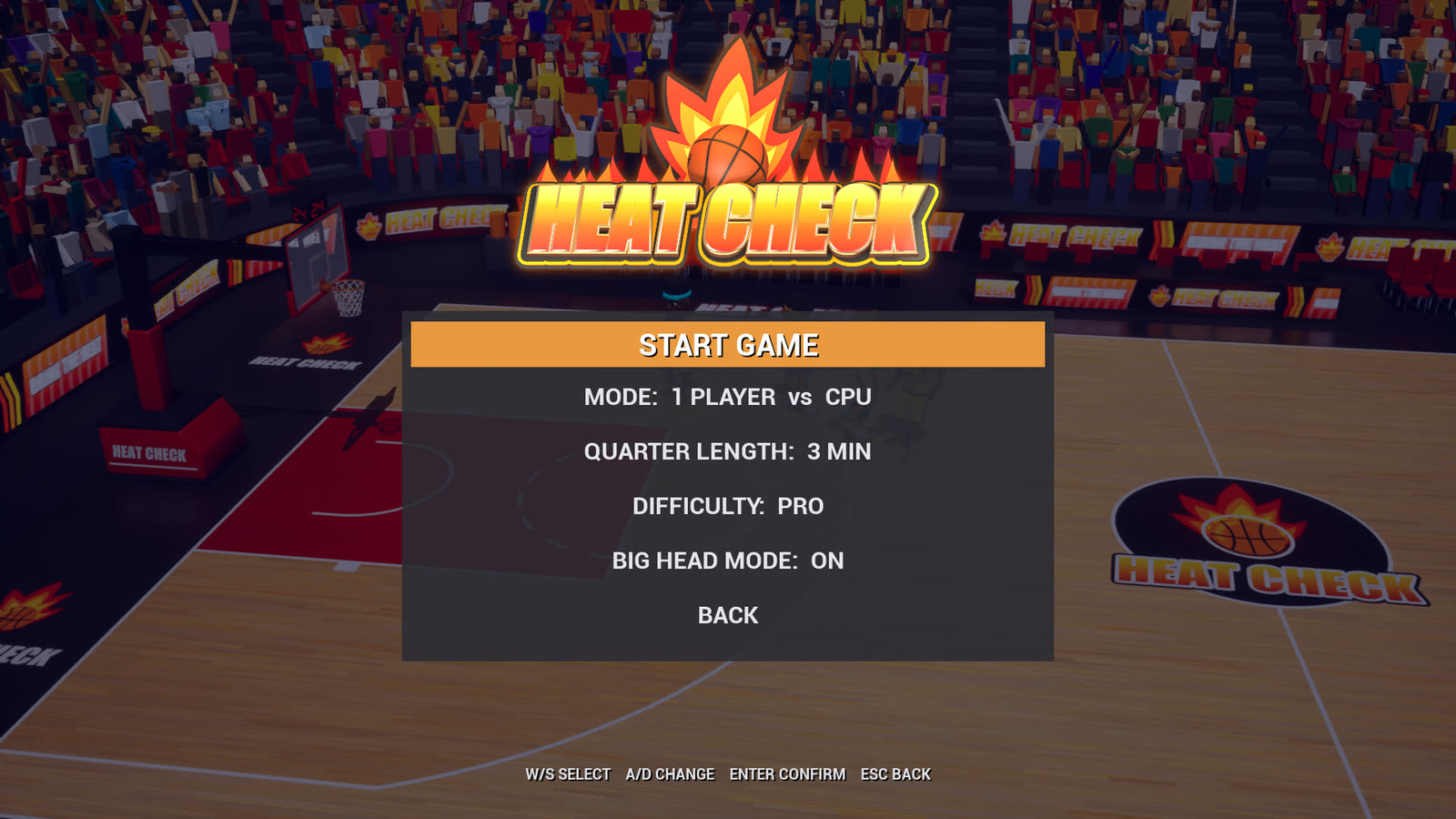
HEAT CHECK is an original, over-the-top 2-on-2 arcade basketball game in the spirit of the 90s cabinets. Four quarters of turbo, ten-foot-high dunks and legal shoving. Every model, texture, animation and sound in it was generated from code.

Hold turbo, drive the lane and press Shoot inside dunk range. The announcer, the crowd and the backboard all let the other team know about it.
Sprint past defenders, chase down breaks and power up every move. Watch the stamina bar under your name.
Distance picks the style: two-hand, windmill, 360, reverse, and a flip when you’re on fire.
Lob it to a teammate cutting to the rim and they finish it above the cylinder.
Push a ball handler back to jar it loose, or clear space for your teammate. Turbo + Shove knocks them flat.
Make two straight without the other team scoring and you’re heating up. Make three and you’re ON FIRE: unlimited turbo, deadly shooting, longer dunk range, harder shoves and steals, a flame trail on the ball and a burning net. You can even goaltend. It lasts until they score or you hit four more.
Time your jump and send it into the third row. Swat it on the way down, though, and it’s goaltending.
Just like the old cabinets, the CPU finds a little extra when it falls far behind. How much depends on difficulty.
Exactly what it sounds like. Flip it on before tip-off.
Team up in co-op against the CPU, or go head-to-head with a CPU teammate each. Or just watch CPU vs CPU.
How to play
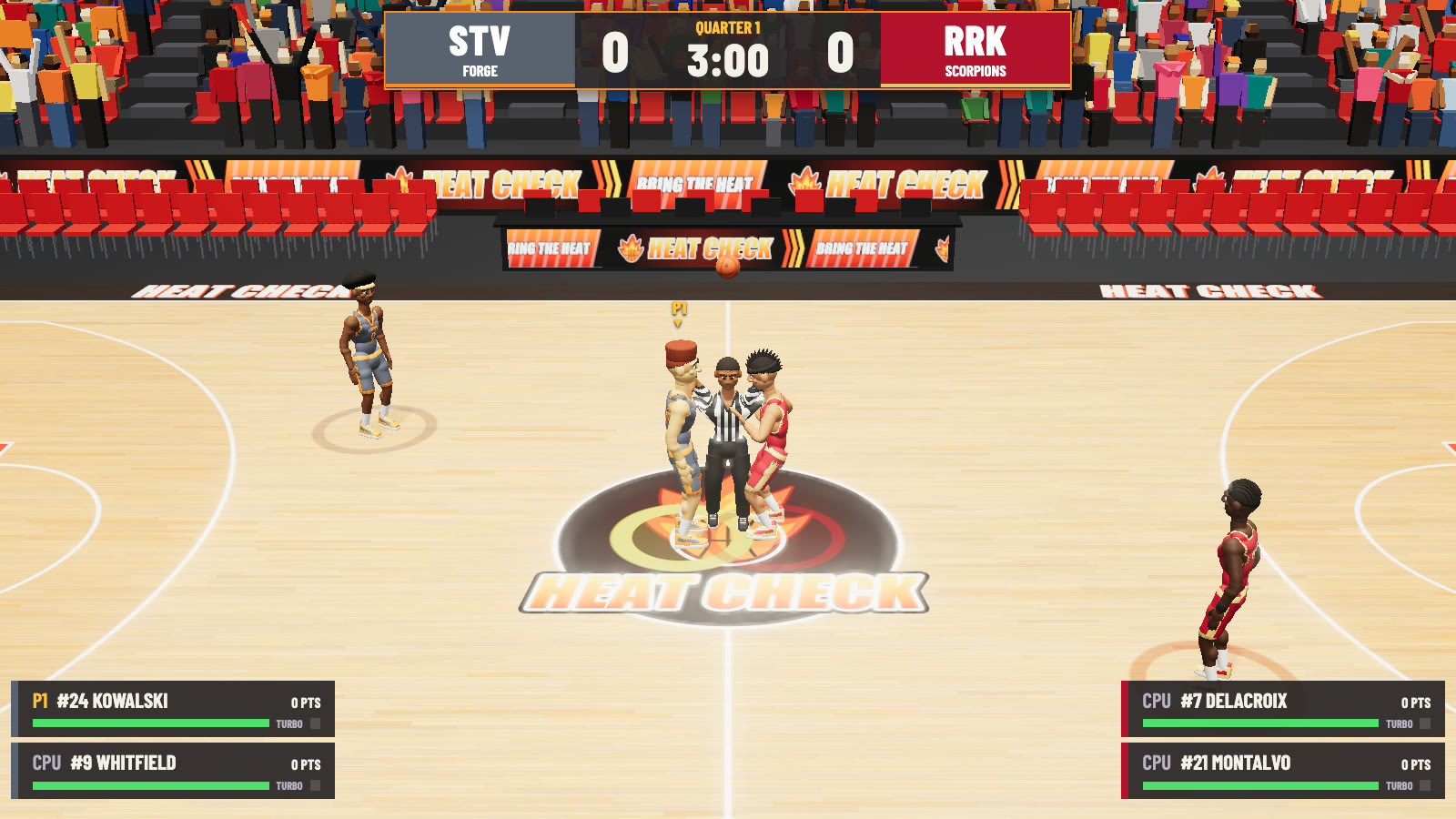
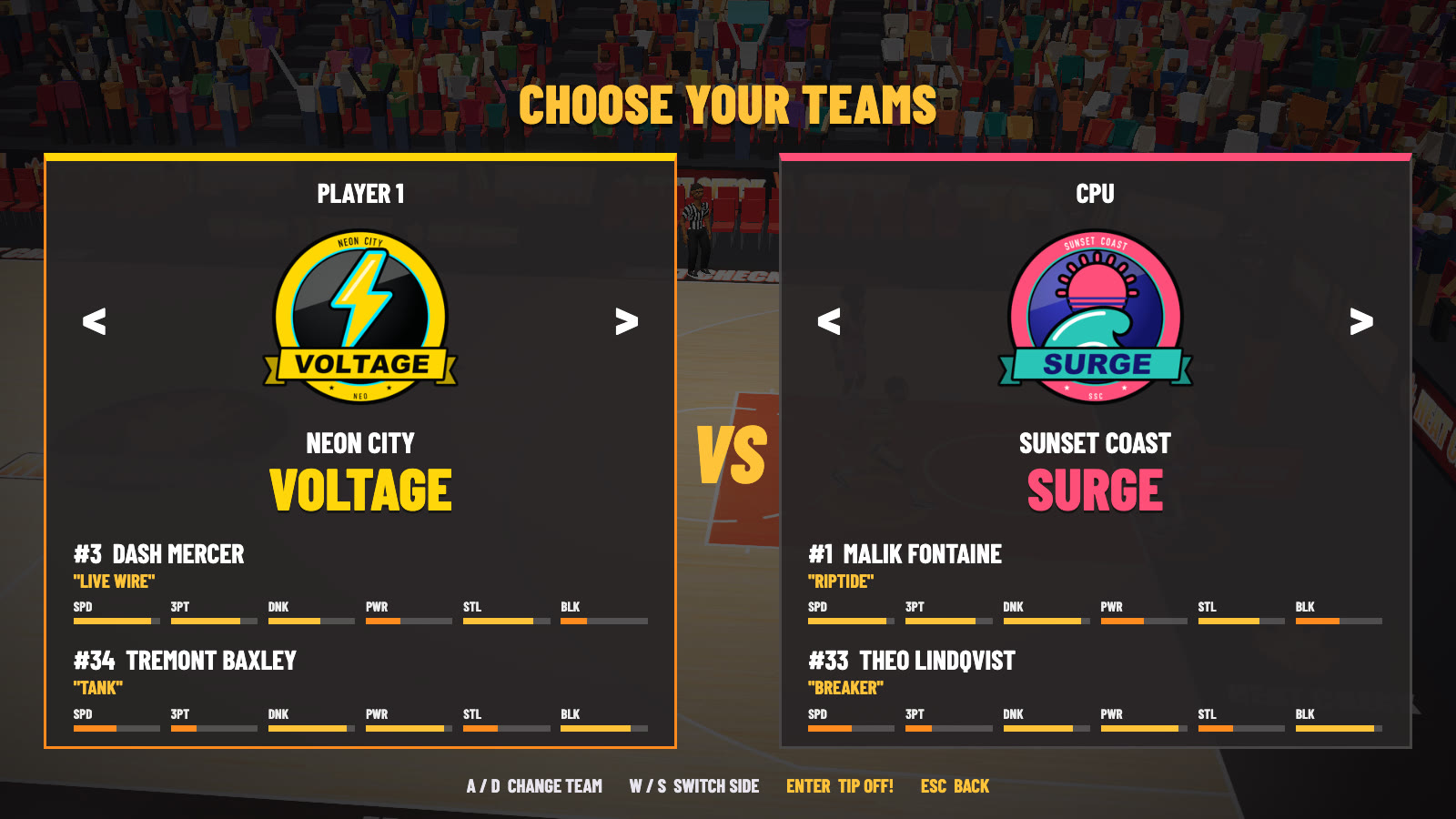
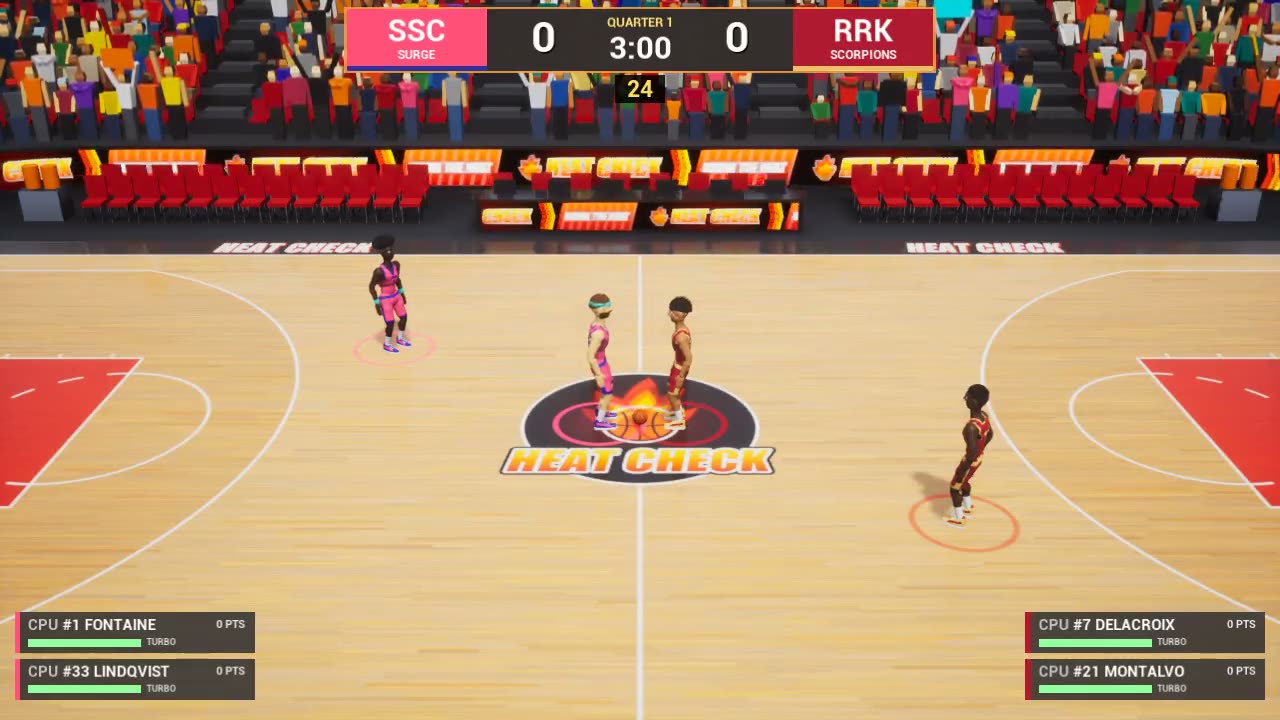
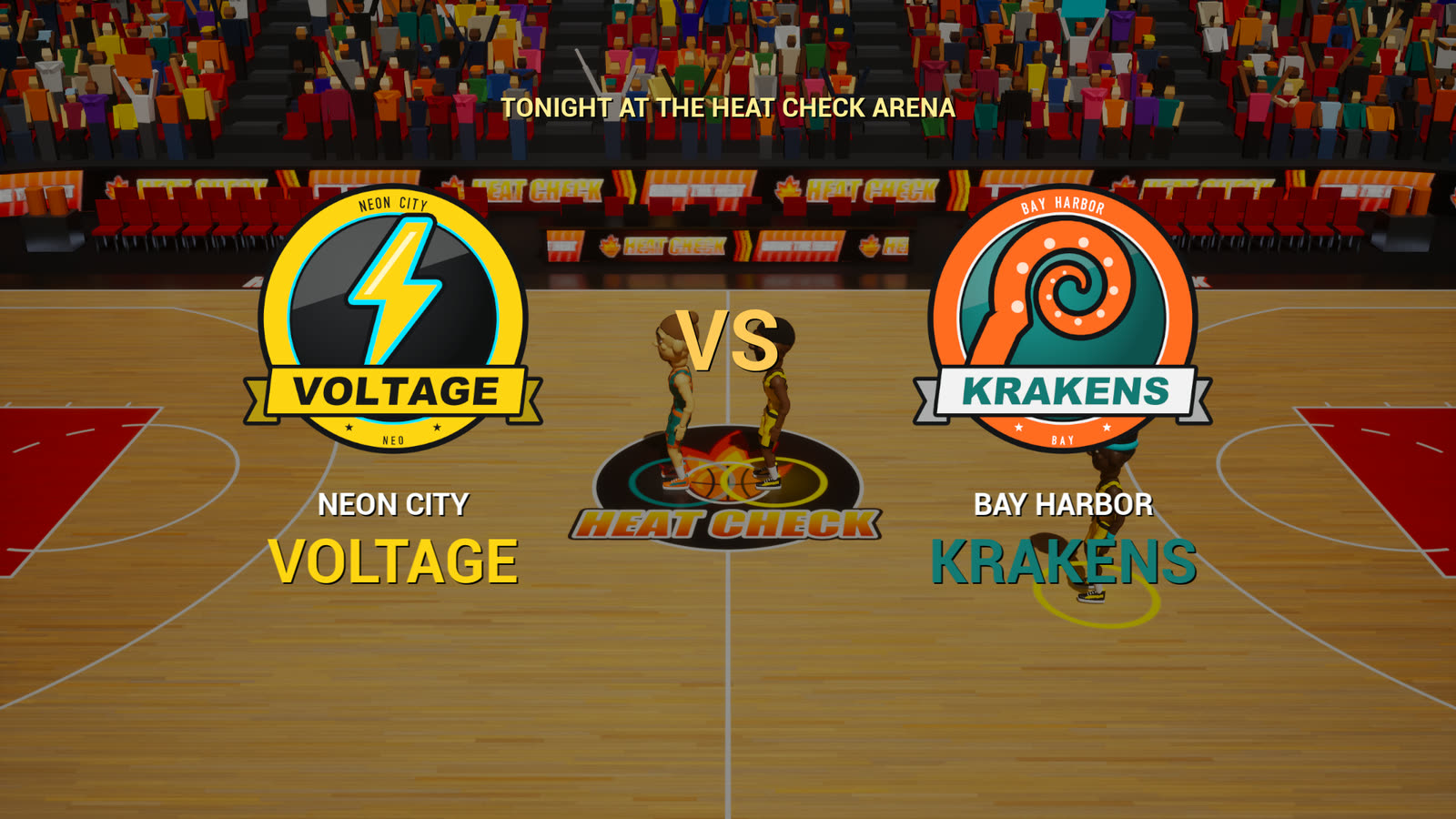
Pick a mode, choose both teams, and the referee tosses the jump ball. Press Shoot after the release to tip it to your teammate.
The browser version supports keyboard and gamepad. Plug in a controller and press any button so your browser can see it. Two players can share one keyboard, or use a pad each.
| Action | Player 1 keyboard | Player 1 gamepad | Player 2 keyboard |
|---|---|---|---|
| Move | WASD | Left stick or D-pad | ↑←↓→ |
| Shoot / jump / block hold, release at the top of the jump | J or Space | A | Num 1 or , |
| Pass / steal | K | X or B | Num 2 or . |
| Shove off the ball | H | Y | M or Num 0 |
| Turbo | L or Left Shift | RB LB RT | Num 3 / or Right Shift |
| Pause | Esc or P | Start | — |
Gamepad buttons use the standard A/B/X/Y face-button layout: A is the bottom button, Y the top.
Turbo + Shoot
Inside dunk range. Two-hand, windmill, 360 or reverse depending on distance, and a flip when you’re on fire.
Turbo + Pass
Throw it up to a teammate near the rim.
Shove
Face a nearby opponent to push them back and jar the ball loose. Add Turbo for a knockdown if you have the stamina. Turbo + Steal also shoves on defense.
Hold → Release
A timing meter appears next to your shooter. Let go at the apex, in the green zone, for the best percentage.
Pass / Shoot
When your CPU teammate has the ball, Pass calls for it and Shoot tells them to let it fly.
Release turbo
Let go of turbo near a ball handler to shuffle or backpedal while facing them. Hold turbo to turn and chase.
The rules
The classic arcade rules, re-created.
Quarters run 1 to 5 minutes (3 by default), with overtime if it’s tied. A jump ball starts the game and each overtime. Quarters 2 and 3 start with the tip loser inbounding, quarter 4 with the tip winner.
Shoving, elbowing and knocking people down are all legal.
The 24-second shot clock and goaltending. Block a shot on its way down and the basket counts.
Two in a row without the other team scoring: heating up (+accuracy). Three: ON FIRE.
After a made basket the other team inbounds from under that basket. The clock stops during inbounds.
3-pointers count from beyond the arc or in the corners. Buzzer-beaters count.
The league
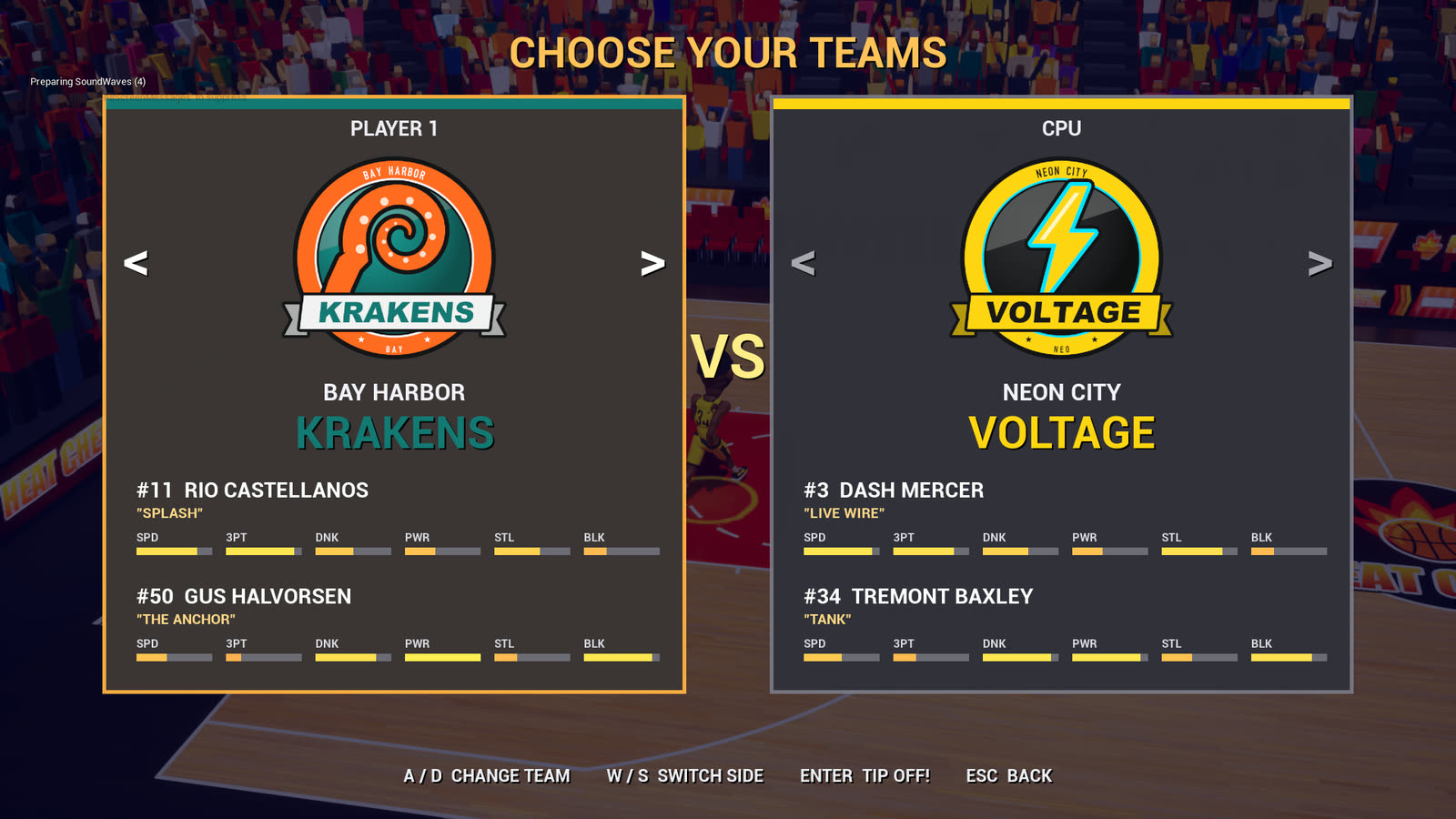
Every team is original, with its own badge, colors and two players. Each player has their own look and ratings out of 10 for speed, shooting, 3-pointers, dunking, passing, power, steals, blocks and clutch.
Neon City NEO
#3 Dash Mercer
“Live Wire”
#34 Tremont Baxley
“Tank”

Bay Harbor BAY
#11 Rio Castellanos
“Splash”
#50 Gus Halvorsen
“The Anchor”

Red Rock RRK
#7 Marquis Delacroix
“Sting”
#21 Javier Montalvo
“Desert Storm”

Frostburg FRB
#15 Nils Brekke
“Avalanche”
#4 Kenji Arakawa
“Flurry”
Steel Valley STV
#24 Hank Kowalski
“Hammer”
#9 Andre Whitfield
“Spark Plug”
Sunset Coast SSC
#1 Malik Fontaine
“Riptide”
#33 Theo Lindqvist
“Breaker”
Gallery
Clips and screenshots from the Unreal desktop build and the browser version. Tap any shot to blow it up.
Built from code
There are no hand-made assets in HEAT CHECK. Python scripts in Blender build every model, rig, animation, texture and logo. Another script synthesizes every sound effect, crowd bed, announcer line and music loop. The desktop game is C++ on Unreal Engine 5.9, with no Blueprints.
Step 1
Players, a 25-bone rig, 22 animation clips, the court, hoops, ball, arena, crowd, logos and badges.
Blender/gen_*.py
Step 2
FBX meshes and animations, PNG textures, synthesized WAV audio and JSON material manifests.
Art/Export/
Desktop
Import scripts build the materials and map. Gameplay, AI, ball physics, cameras, HUD and audio are all C++.
Source/HeatCheck/
Browser
The same Blender-generated models, animations and synthesized audio, running in your browser.
web/play/
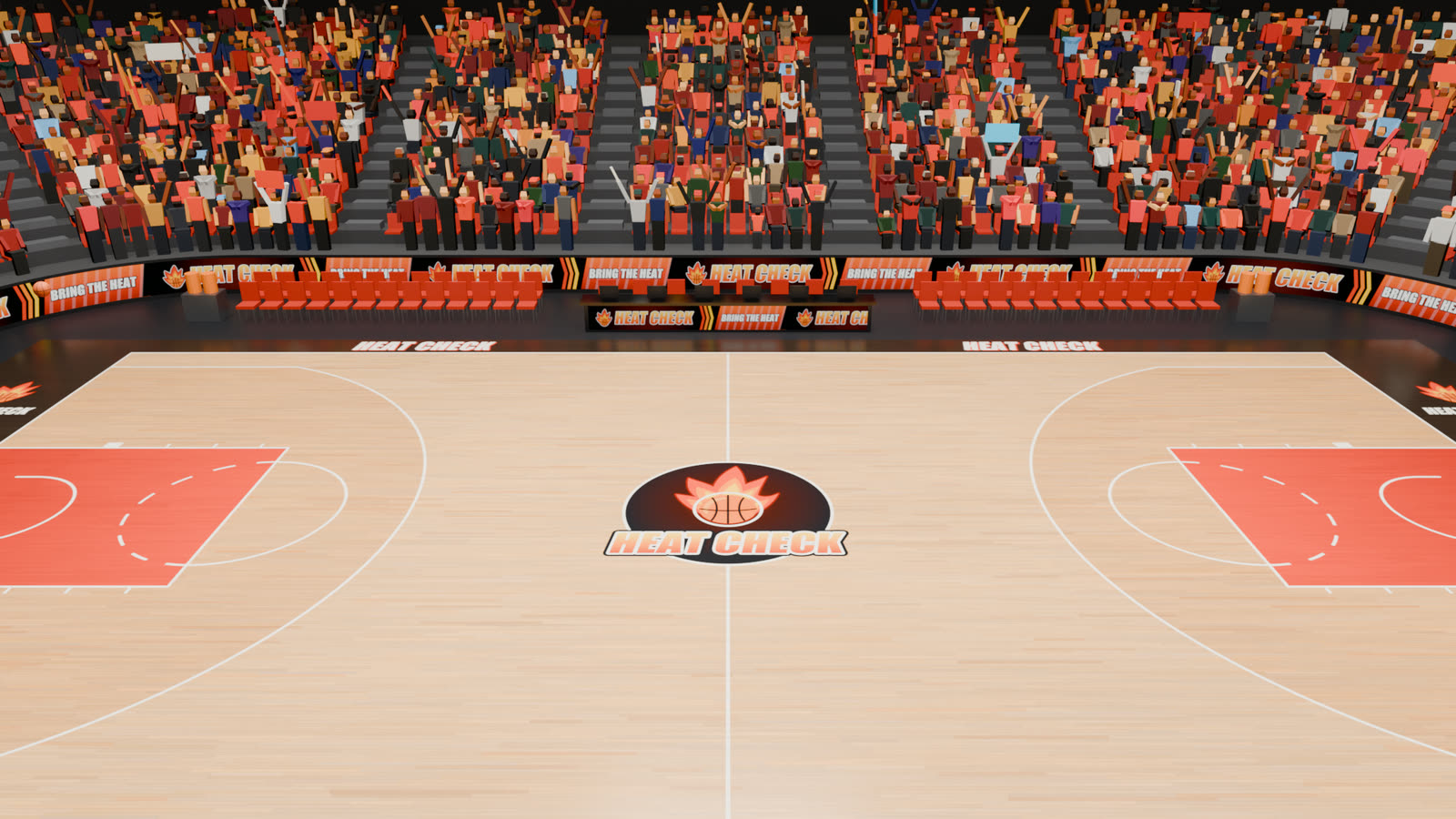
gen_arena.py builds the bowl, 6,354 seats, 5,754 animated fans, LED ribbons, benches, scorer’s table, jumbotron and light rig.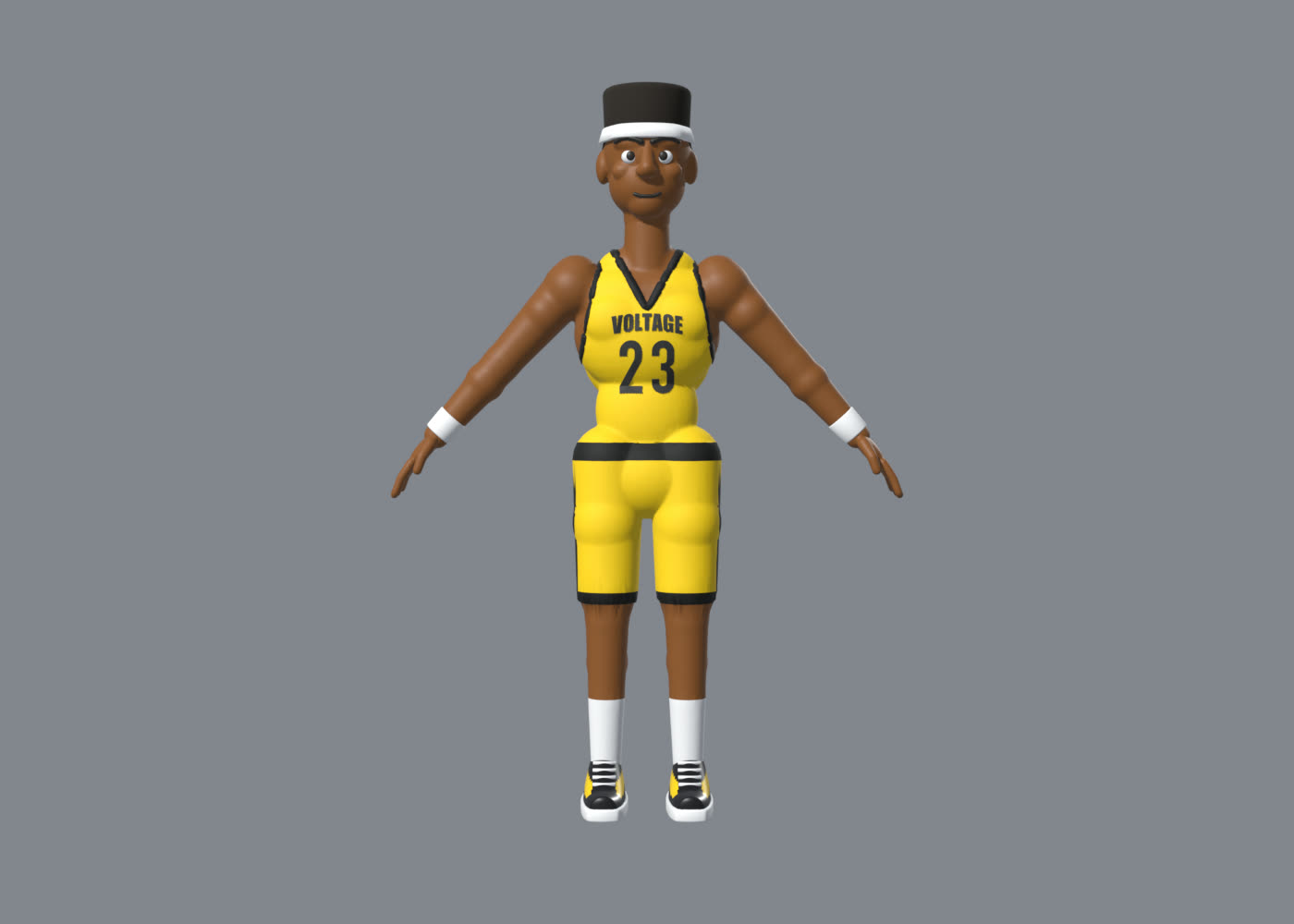
gen_character.py makes one skinned athlete, then swaps in 7 hair styles, beards, headbands, numbers and team wordmarks.The desktop game builds on macOS with Xcode, Blender 5.3 and an Unreal Engine 5.9 source build. Four scripts regenerate everything from scratch.
# art + audio from Python
Tools/build_art.sh
# import into Unreal, build materials + map
Tools/import_assets.sh
# compile the C++ and play
Tools/build.sh
Tools/play.sh
Tip-off in 3, 2, 1…
It runs in your browser. No download, no account. Bring a keyboard or a gamepad and a friend.
Plays with a keyboard, a gamepad or on-screen touch controls.